13 min read
10 Aug 2026
20+ Best Free Icon Font Packs of 2026
Icons are arguably among the most crucial elements of a graphical user interface. They communicate a whole idea through a single image. But designing icons from scratch is slow work, and for most projects it is unnecessary.
Font Awesome is the best-known icon font pack, but it is not the only strong option, nor is it always the right one. Several free packs match it on features, and some beat it for specific jobs.
This guide covers 20+ free icon font packs for 2026, what each one actually offers, and how to install one on your site. If you are new to icon fonts, start with the section below. If you already know what you need, skip to the list.
Also worth reading: our guide to free PowerPoint icons, logos, and symbols.
What Is an Icon Font?
An icon font is a font file in which each character is an icon rather than a letter. You install it like any web font, then display an icon by writing a class name in your HTML.
Because the browser treats each icon as text, you style it with normal CSS. Change the size with font-size. Change the color with color. The icon stays sharp at any size because fonts are vector-based.
A typical icon font package contains four things:
- Font files in TTF, WOFF, and WOFF2 formats
- A CSS file that maps class names to icons
- SVG source files for use in design tools
- A cheat sheet listing every icon and its class name
Icon Font or SVG: Which Should You Use?
Both work. They suit different jobs.
| Feature | Icon Font | SVG Icons |
|---|---|---|
| Color | One color per icon | Multi-color possible |
| Loading | One request loads the whole set | Load only the icons you use |
| Unused icons | Ship anyway and add weight | Never shipped |
| Styling | font-size and color |
width, height, fill |
| Accessibility | Screen readers may read the character | Cleaner with a <title> element |
| Best for | Static sites, dashboards, prototypes | React, Vue, Svelte, any build step |
Short answer: Use an icon font if you want the fastest setup and you need a lot of icons. Use SVG if you build with a modern framework and want to ship only what you use.
Most packs on this list offer both, so you are not locked in. For a full walkthrough, see our guide on how to use SVG images on websites.
What Is Inside an Icon Font Download?
Download an icon font, and you usually get a ZIP file containing:
| Folder or file | What it does |
|---|---|
/fonts |
Font files: WOFF2, WOFF, TTF, sometimes EOT |
/css |
Stylesheet mapping class names to icons |
/svg |
Individual SVG files for design tools |
demo.html |
Page listing every icon and its class name |
LICENSE |
Usage terms. Read this before commercial work |
Which font format do you need?
- WOFF2 covers every browser in current use. Most projects need only this file.
- WOFF is a fallback for older browsers.
- TTF is for desktop software such as Figma, Photoshop, and Word. Install it on your system, not your website.
- EOT supported Internet Explorer. You can delete it.
Serving only WOFF2 instead of all four formats typically cuts your icon font payload by more than half.
Best Free Icon Font Packs
Each entry below lists whether the pack ships a web font, what license it carries, and what kind of project it suits.
LineIcons
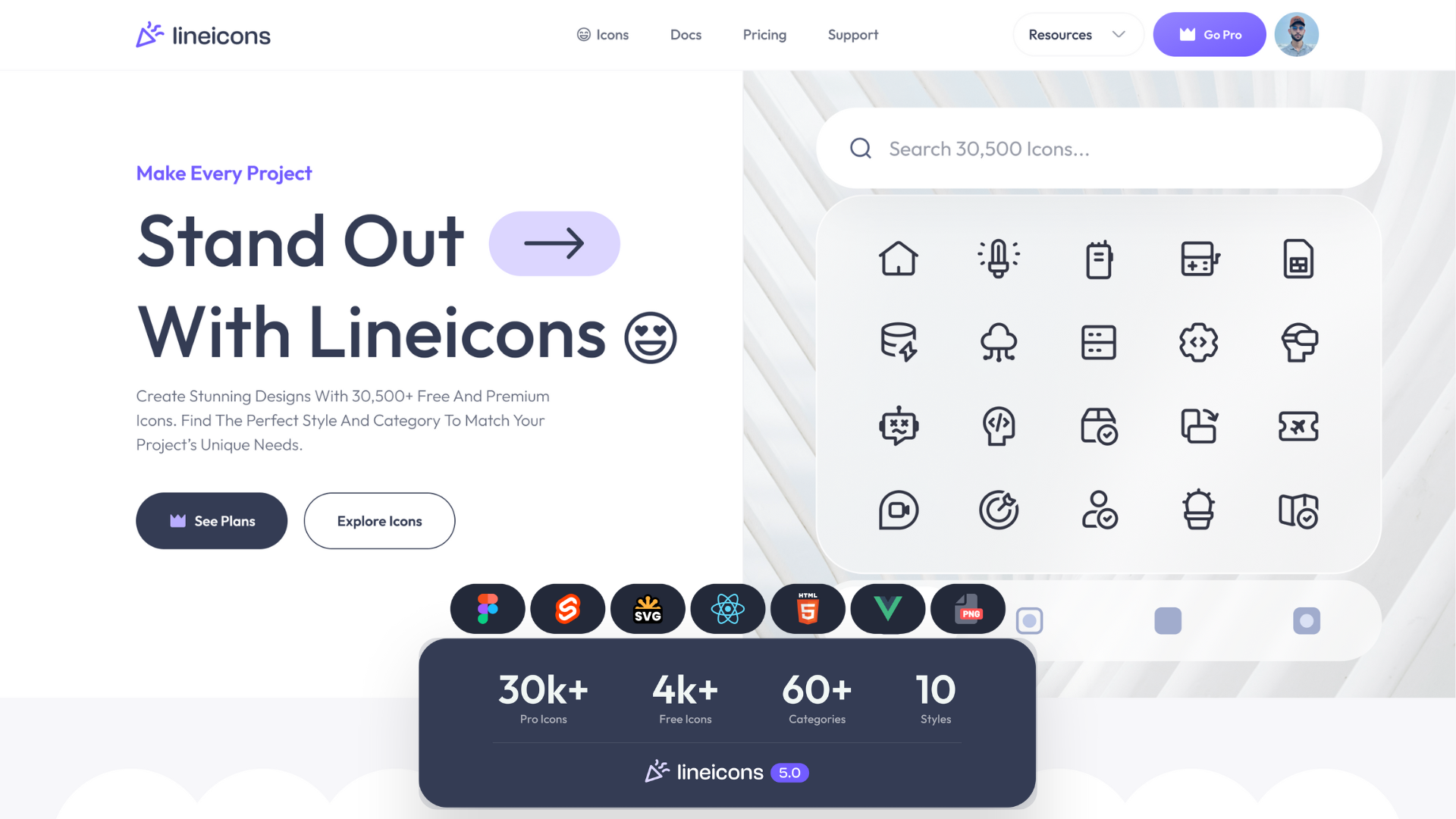
Lineicons is built for modern interfaces across web, desktop, Android, and iOS. The library holds 27,988+ icons across 60+ categories, including 4,000+ free icons, covering most of what a typical project needs without pulling in a second set.
Every icon sits on a 24×24 grid with a consistent stroke width and corner radius. That consistency matters more than the raw count, because icons drawn to different specifications look wrong when placed side by side. You get 10 styles, including outlined, rounded, sharp, duo-tone, solid, and bulk, plus multiple states for each icon.
Formats cover SVG, JSX, TSX, Vue, Svelte, HTML, Base64, WEBP, and PNG. A free CDN, npm packages, and starter templates are included, along with a Figma plugin if you work in Figma.
Add the icon font with one line:
<link href="https://cdn.lineicons.com/5.1/line/lineicons.css" rel="stylesheet">
Ships web font: Yes
License: Free tier and Pro
Best for: projects that need broad category coverage and multiple style options from a single library.
Font Awesome
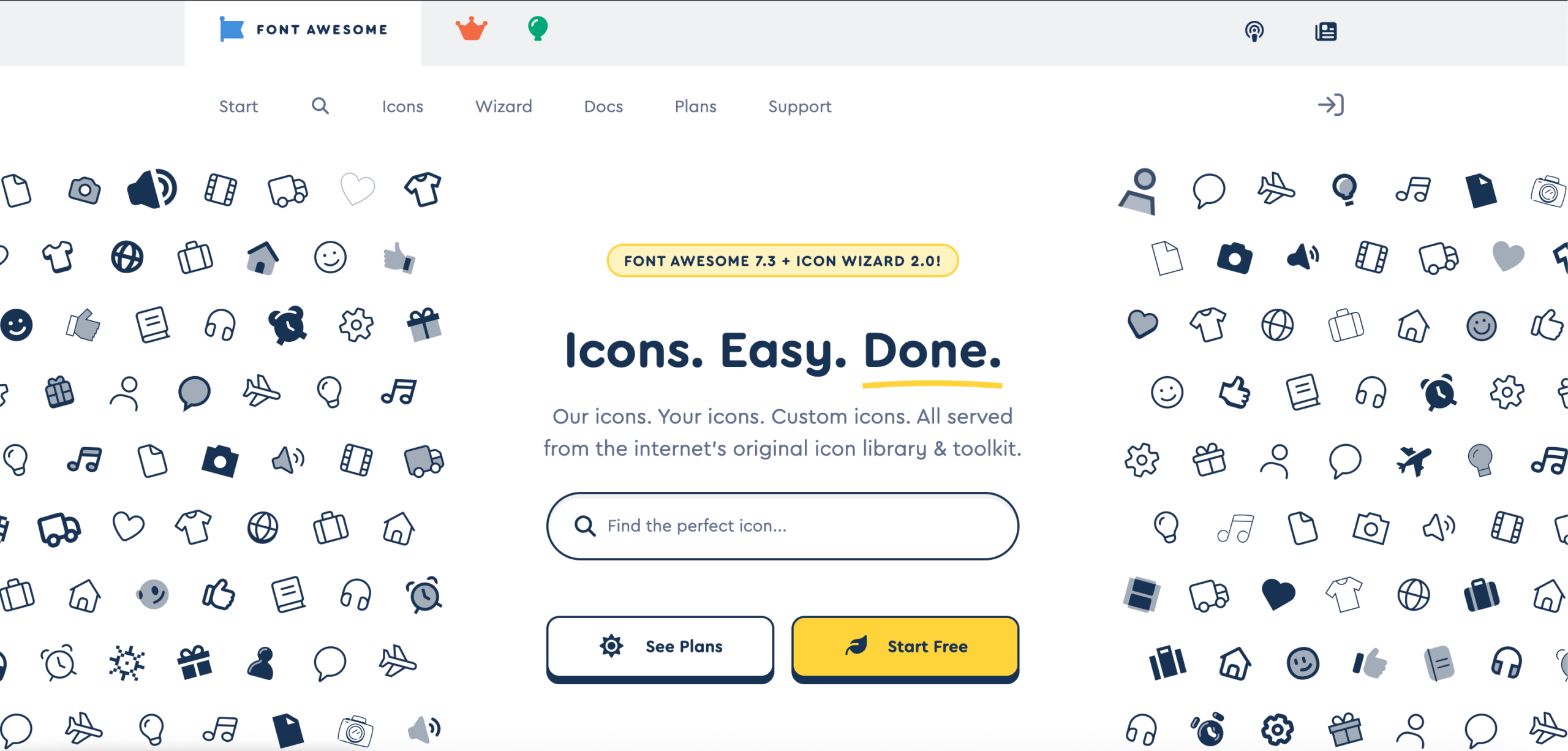
Font Awesome is the most widely installed icon library on the web, and the pack that popularized the class-name approach that every other set now copies.
The free tier holds roughly 2,000 icons in solid, regular, and brand styles, which covers standard interface work and most brand logos. The styles designers usually want, Thin, Light, Sharp, and Duotone, sit behind Pro, which starts at about $99 a year and unlocks around 25,000 icons. Recent 7.x releases added animation utilities such as fa-spin-snap and fa-float, plus new families including Mosaic and Slab Duo.
Read the license before shipping. Font Awesome Free uses CC BY 4.0 for icons and MIT for code, and CC BY 4.0 requires attribution. Most projects satisfy this by leaving the comment header intact in the CSS file. Strip it out, and you fall outside the terms. If that condition is awkward for your project, several free alternatives carry no attribution requirement at all.
Add the icon font with one line:
<link href="https://cdnjs.cloudflare.com/ajax/libs/font-awesome/7.3.1/css/all.min.css" rel="stylesheet">
Ships web font: Yes
License: CC BY 4.0 for icons, MIT for code, SIL OFL 1.1 for fonts. Attribution required
Best for: projects that want the largest ecosystem, the widest brand logo coverage, and setup in seconds.
Material Symbols
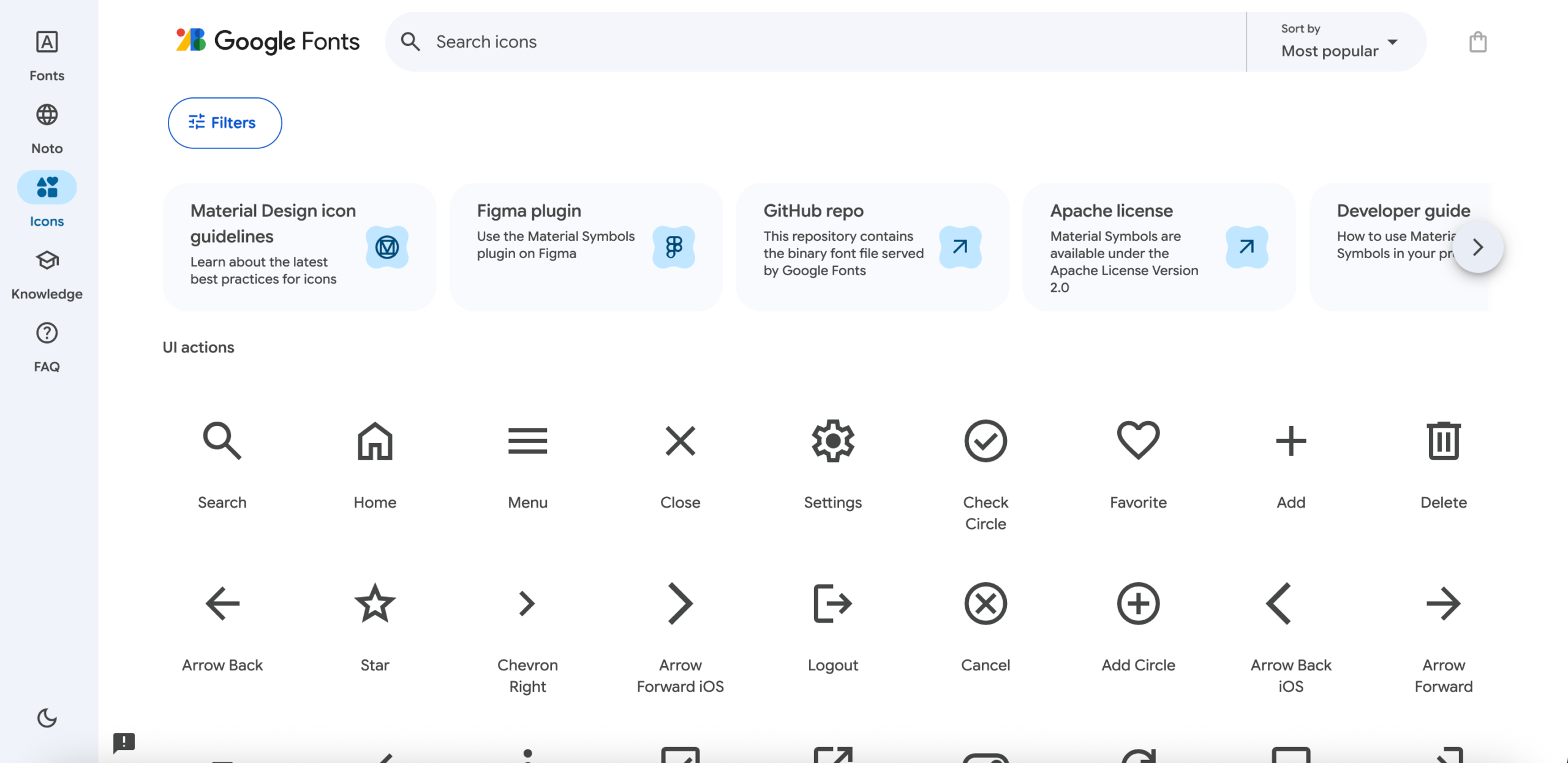
Google’s current icon set replaces the older Material Icons.
Material Symbols ships as three variable fonts: Outlined, Rounded, and Sharp. Each carries four axes you control through CSS. Optical size runs from 20 to 48 pixels, with 24 as the default. Weight runs from 100 to 700, with regular at 400. Grade runs from -50 to 200, and -50 suits white icons on dark backgrounds. Fill runs from 0 to 100, which animates an outlined icon into a filled one.
One font file covers every size and weight combination. There is no separate filled font, because the Fill axis handles that state.
Pixel-grid alignment is exact at 20 and 24 pixels only. The set includes no two-tone style and no third-party brand logos, so social icons need a second source.
Add the font with one line:
<link href="https://fonts.googleapis.com/css2?family=Material+Symbols+Outlined" rel="stylesheet">
Ships web font: Yes, variable fonts only
License: Apache 2.0. Attribution welcomed, not required
Latest version: Continuously updated
Best for: Android, Flutter, and Google ecosystem projects, or any project wanting one font file to cover every icon size and weight.
Bootstrap Icons
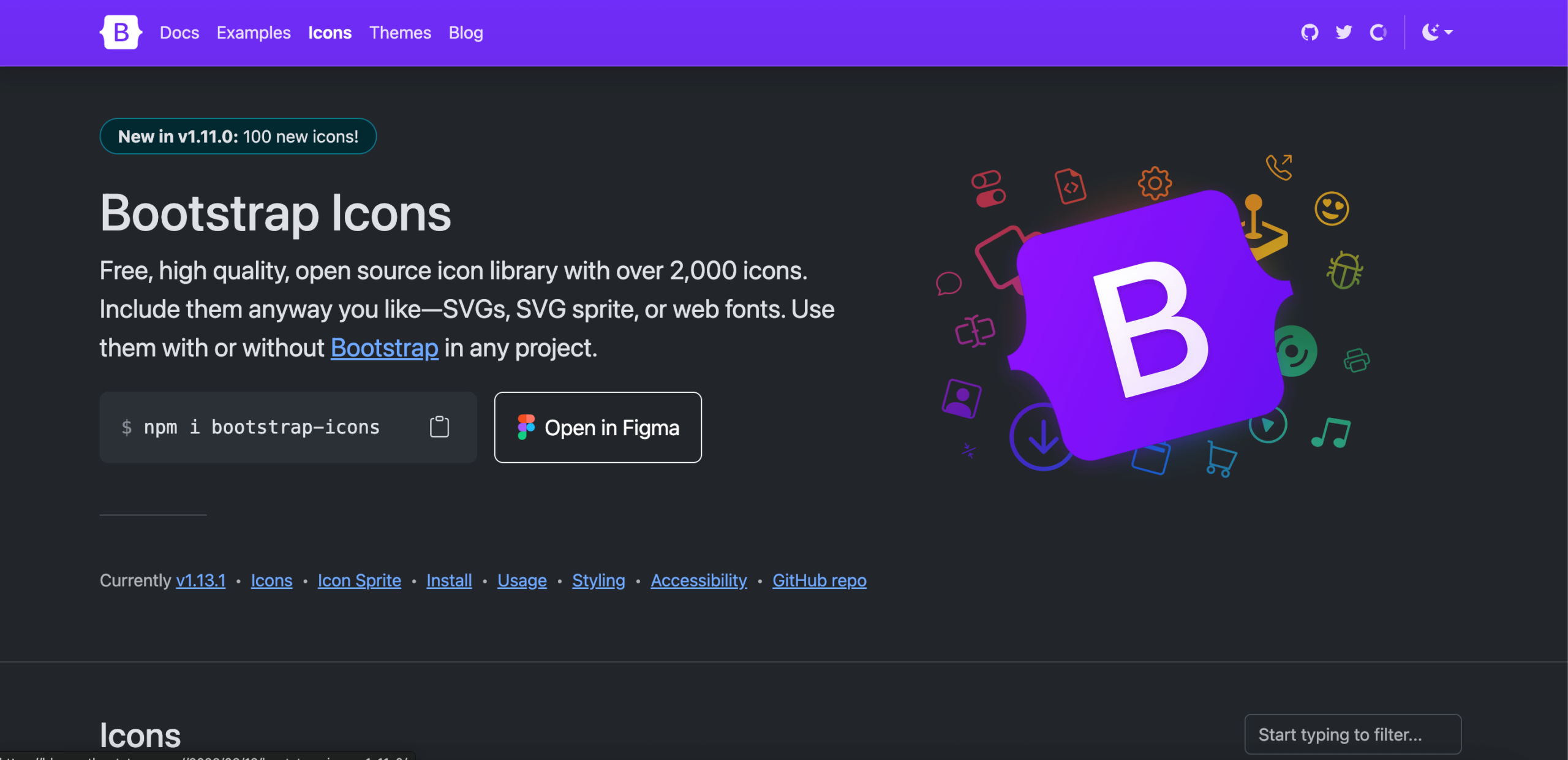
The official icon library for Bootstrap, holding over 2,000 icons. It works in any project and needs no Bootstrap dependency.
Icons are designed on a 16×16 grid and exported as flattened SVGs with fill and no stroke. That fill-based construction is the main difference from stroke-based sets like Feather or Tabler. Fill icons stay legible at small sizes, where thin strokes start to disappear.
You can use the library in three ways: as individual SVG files, as an SVG sprite, or as an icon font. The sprite loads one file and references icons by ID, which suits projects using many icons without a build step.
Set icons to width: 1em and height: 1em, then control size with font-size and color with color.
Add the icon font with one line:
<link rel="stylesheet" href="https://cdn.jsdelivr.net/npm/[email protected]/font/bootstrap-icons.min.css">Ships web font: Yes, plus SVG sprite
License: MIT. No attribution required
Best for: Bootstrap projects, and interfaces using icons at small sizes where fill reads more clearly than stroke.
Tabler Icons
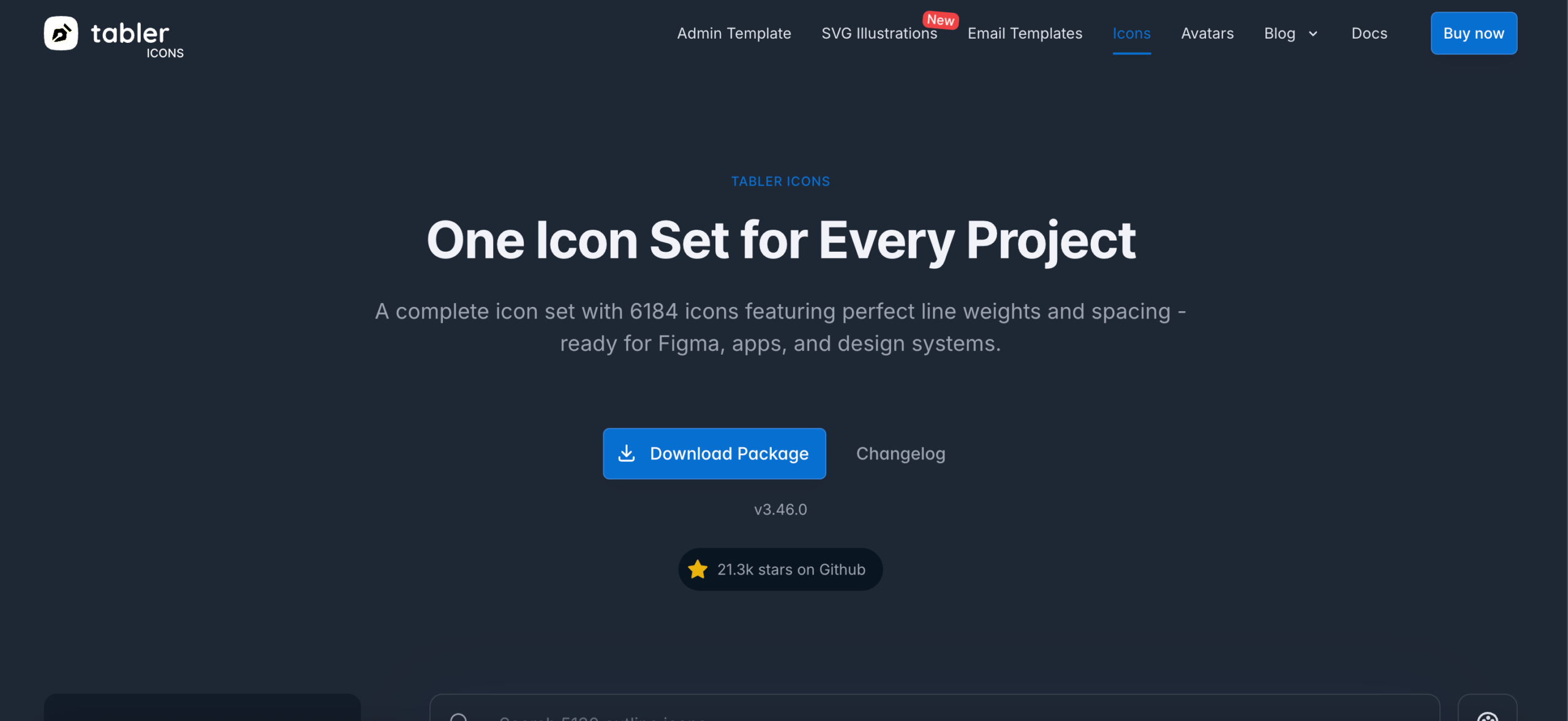
Tabler holds 6,184 icons, one of the largest MIT-licensed sets available.
Every icon uses a 24×24 grid with a 2px stroke. The stroke width is a property you can change, so adjusting it produces lighter or heavier variants of the whole set without swapping files.
The webfont ships as a separate package, which keeps the main install SVG-only. Official packages exist for React, Vue, SolidJS, Svelte, and Figma.
Add the icon font with one line:
<link rel="stylesheet" href="https://cdn.jsdelivr.net/npm/@tabler/icons-webfont@latest/dist/tabler-icons.min.css">Ships web font: Yes, as a separate package
License: MIT. No attribution required
Best for: dashboards and admin panels that need wide coverage of interface actions in a single consistent stroke style.
Phosphor Icons
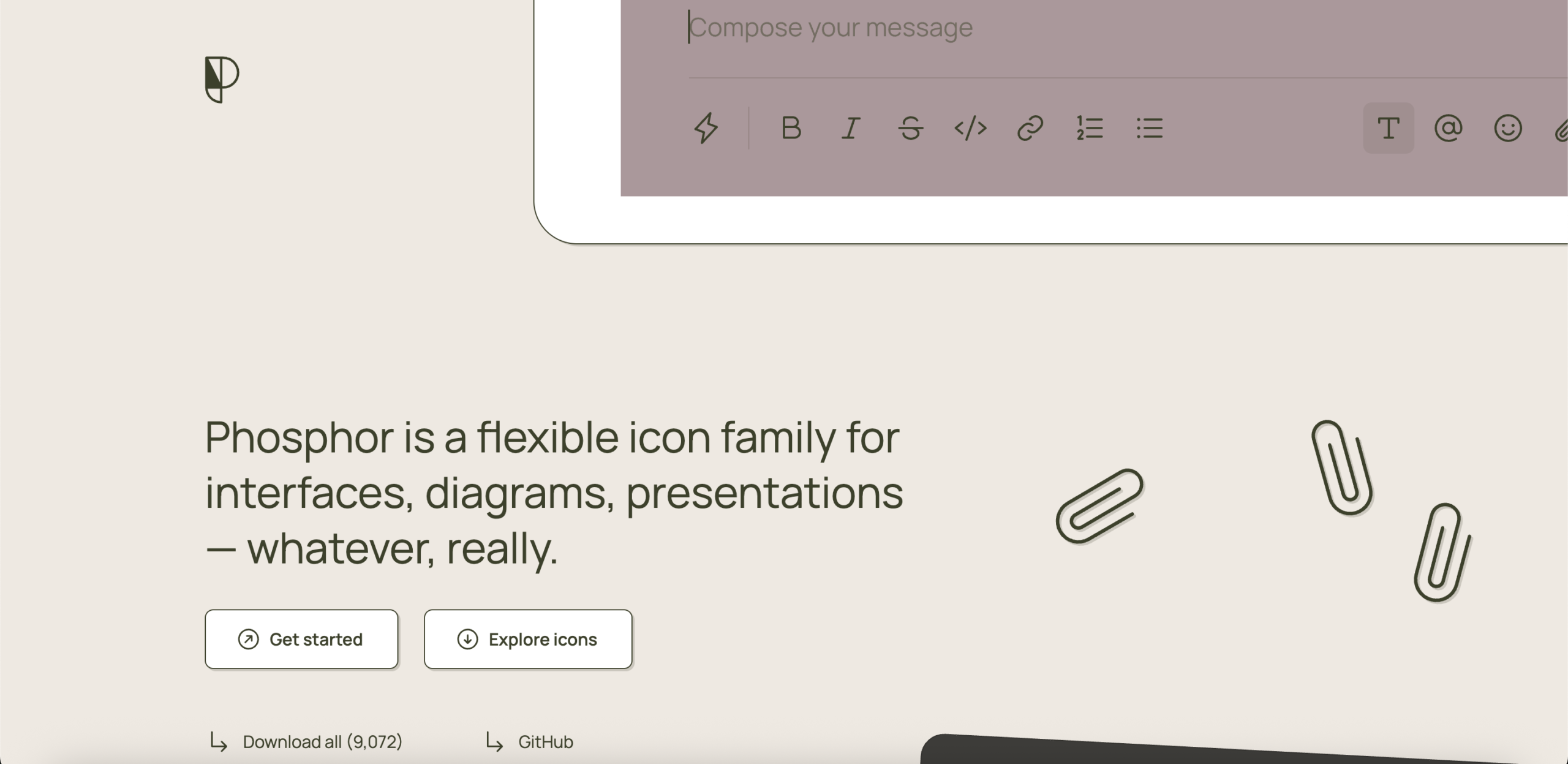
Phosphor ships every icon in six weights: thin, light, regular, bold, fill, and duotone. Most sets give you two.
The web package loads each weight as a separate font file, so you include only the weights you use. Icons render through the :before pseudo-element, and duotone also uses :after. Overriding either property in your CSS breaks the icons.
The current package is @phosphor-icons/web. The older phosphor-icons package still receives maintenance, but no new icons.
Ships web font: Yes, one file per weight
License: MIT. No attribution required
Best for: interfaces that use weight to signal hierarchy, such as active and inactive navigation states.
Remix Icon
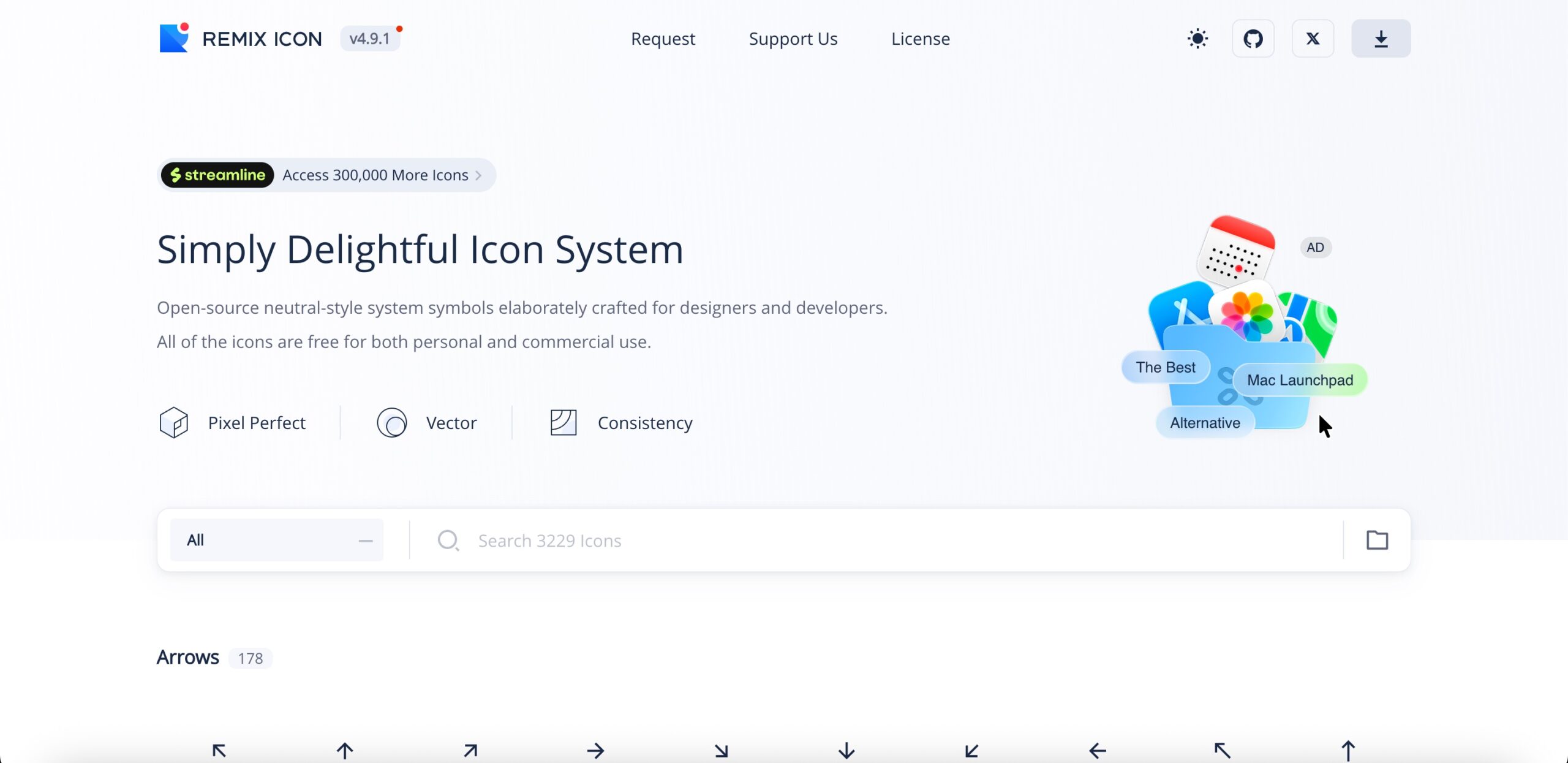
Remix Icon holds over 3,000 icons, each drawn in both outlined and filled versions on a 24×24 grid.
The design is deliberately neutral, with no strong stylistic signature. That makes it easier to drop into an existing interface without the icons announcing themselves. Every icon ships as a matched pair, which suits toggle states and tab bars.
Ships web font: Yes
License: Apache 2.0. No attribution required
Best for: projects that need paired outline and fill versions of every icon in a neutral style.
Boxicons
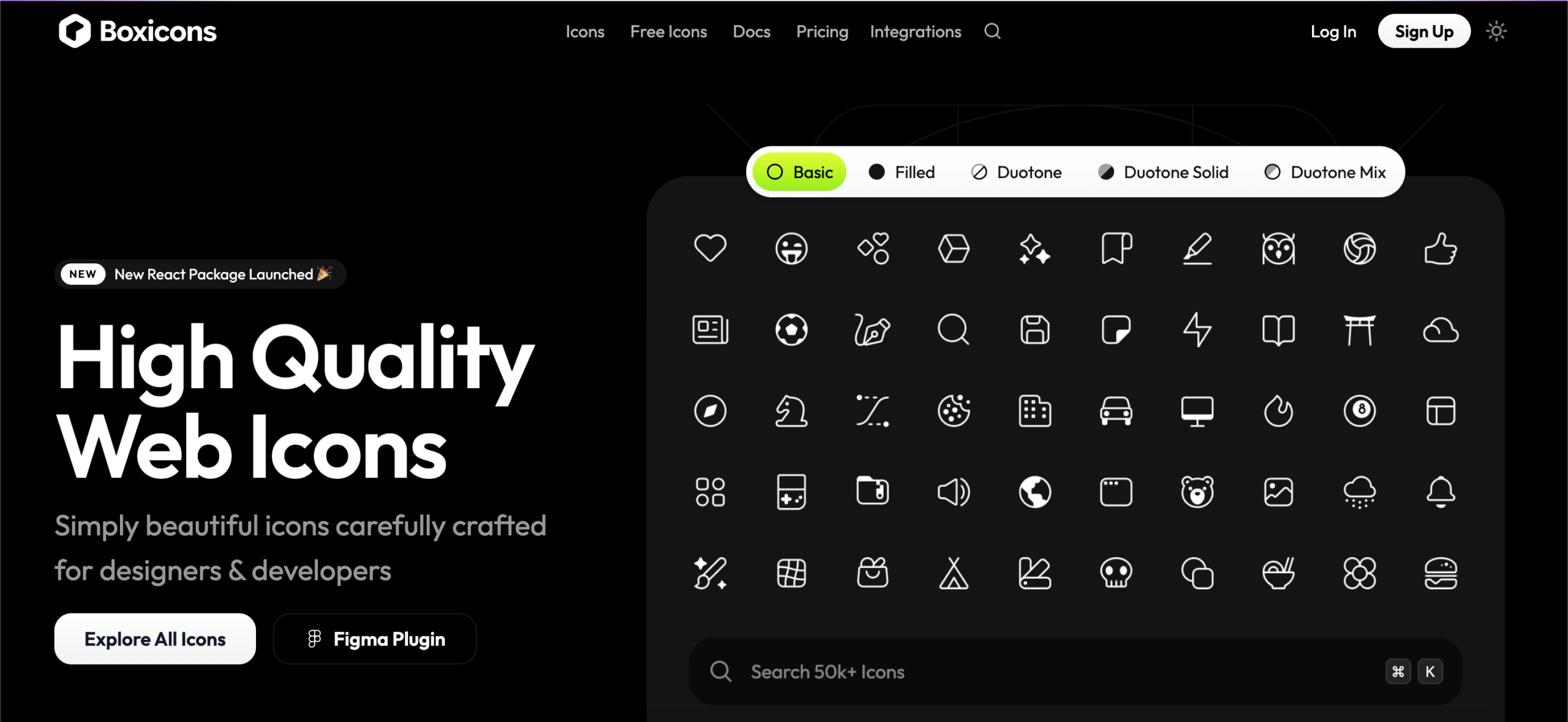
Boxicons offers 3,500+ free icons across three packs: basic, filled, and brands. The Pro tier adds 50,000+ variations.
Version 3 rebuilt the CDN and reorganized the packs, so class names differ from version 2. Code written against the older version needs updating.
Icons sit on a 24px grid with slightly rounded corners, placing the style between Feather’s strict minimalism and Remix Icon’s neutrality. Exports cover SVG, PNG, WEBP, React, and web fonts.
Add the icon font with one line:
<link href="https://cdn.boxicons.com/3.0.8/fonts/basic/boxicons.min.css" rel="stylesheet">Ships web font: Yes, one file per pack
License: CC 4.0 for icons, SIL OFL 1.1 for fonts. Attribution appreciated, not required
Best for: projects needing interface icons and brand logos from one source.
IcoMoon
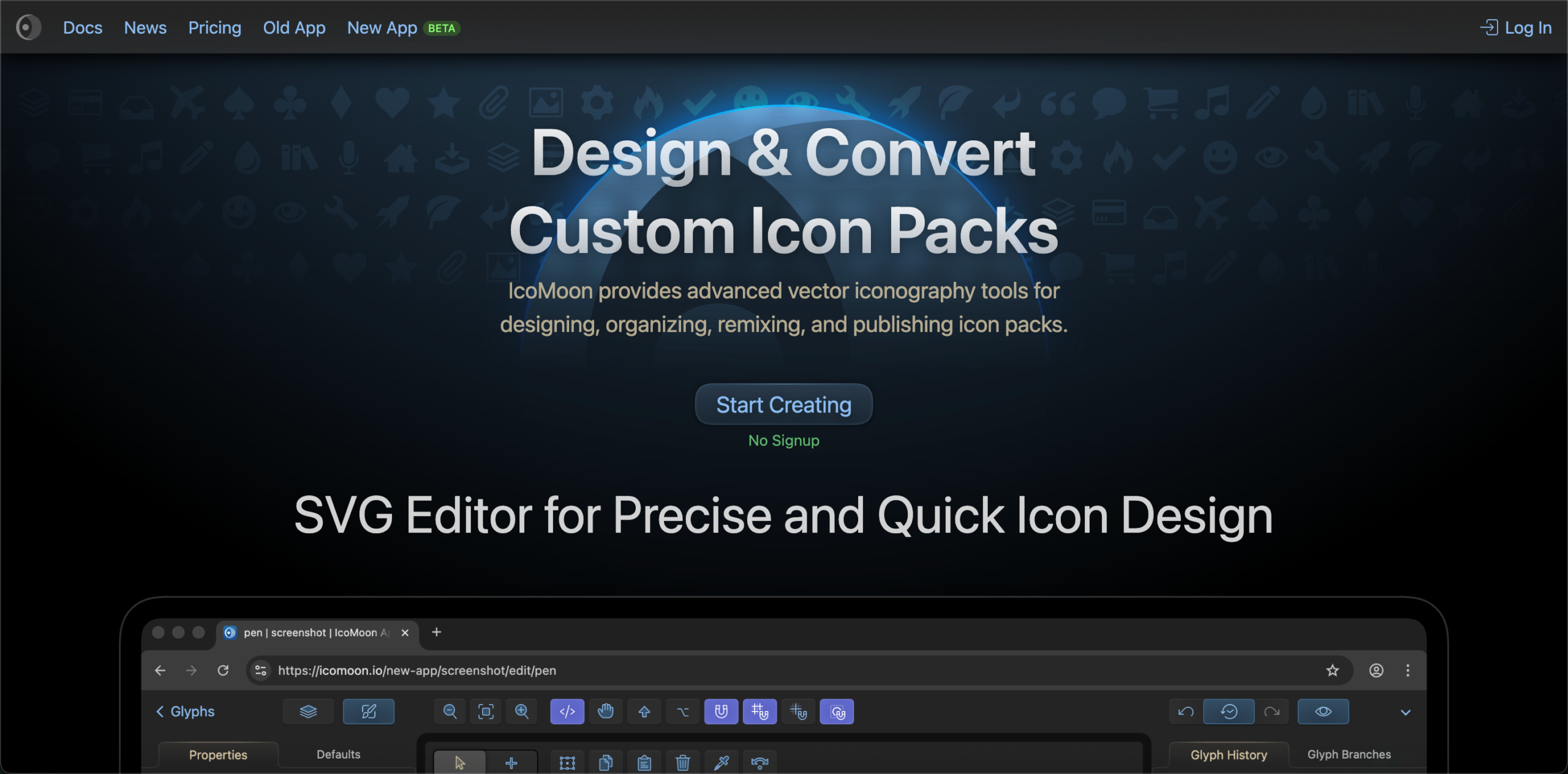
IcoMoon is a tool rather than a fixed icon set. You browse several icon libraries, select only the icons you need, and it generates a font containing just those.
This solves the main weakness of icon fonts. A standard icon font loads every icon in the set, including hundreds you never display. A custom IcoMoon build contains only your selection, which can cut the file to a fraction of its original size.
The app also lets you import your own SVGs and merge them with library icons into a single font.
Ships web font: Yes, generated to your selection
License: Varies by source library. Each set carries its own terms
Best for: projects that need fewer than 50 icons but want font-based delivery, and teams mixing custom icons with library sets.
Ionicons
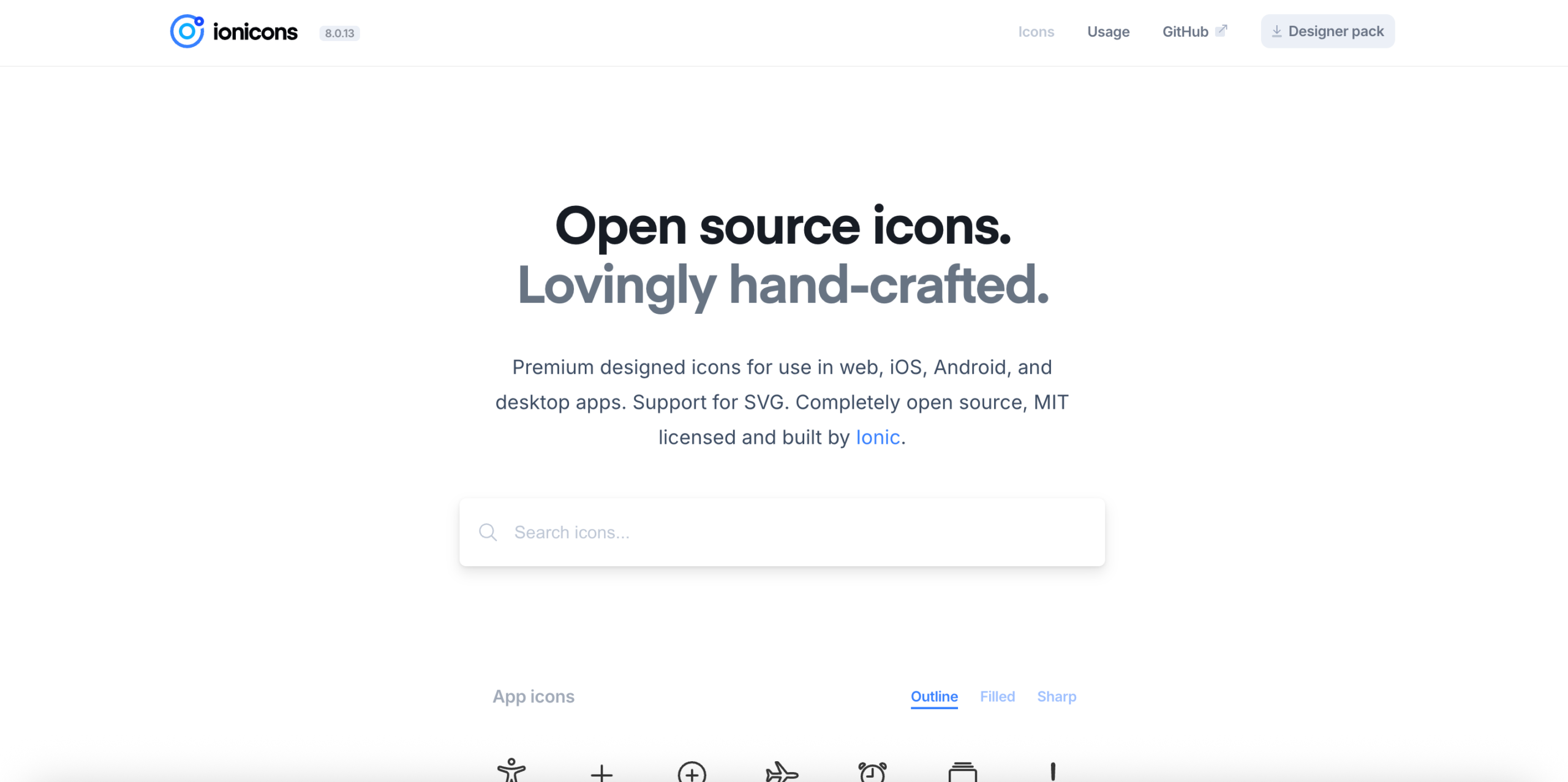
Built by the Ionic team, Ionicons holds 1,300 icons in three styles: outline, filled, and sharp. Outline matches iOS conventions, filled matches Android, and sharp uses right angles.
Current versions use a web component that loads each icon’s SVG on demand. Icons below the fold make no network request until needed. This replaces the older icon font approach, which loaded everything at once.
The icons work independently of the Ionic Framework.
Ships web font: Legacy versions only. Current releases use web components
License: MIT. No attribution required
Best for: cross-platform apps that need matching iOS and Android icon styles from one set.
Feather Icons
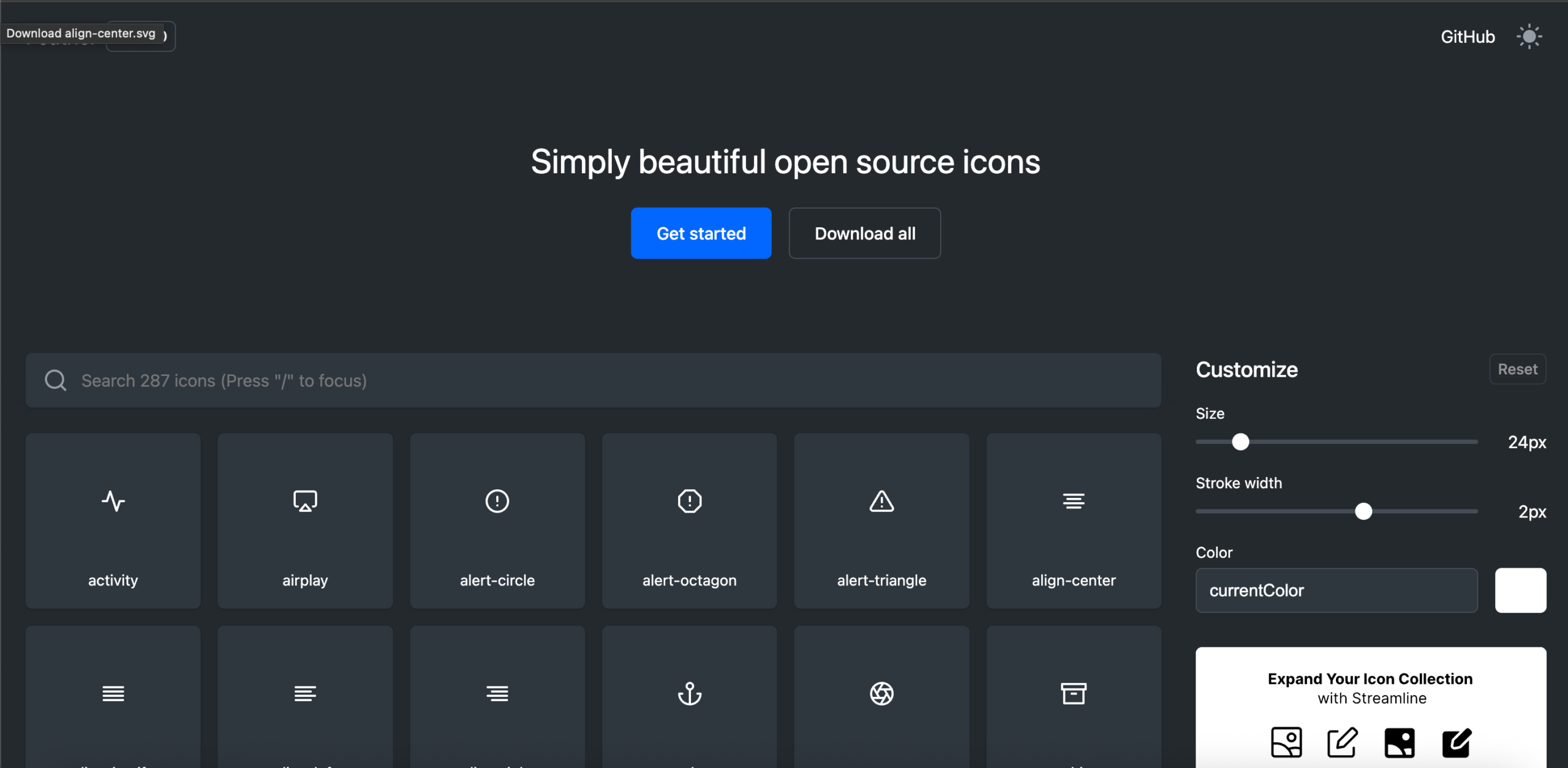
Feather holds 287 icons on a 24×24 grid with a 2px stroke. The small size is deliberate.
Every icon uses the same stroke width, corner radius, and optical weight. Nothing in the set looks out of place beside anything else. Larger libraries rarely hold that consistency across thousands of icons.
Feather ships SVG only, with no official web font. Development has slowed, and Lucide now carries the project forward with more icons.
Ships web font: No, SVG only
License: MIT. No attribution required
Best for: small projects that need a tightly consistent set and nothing more.
Lucide
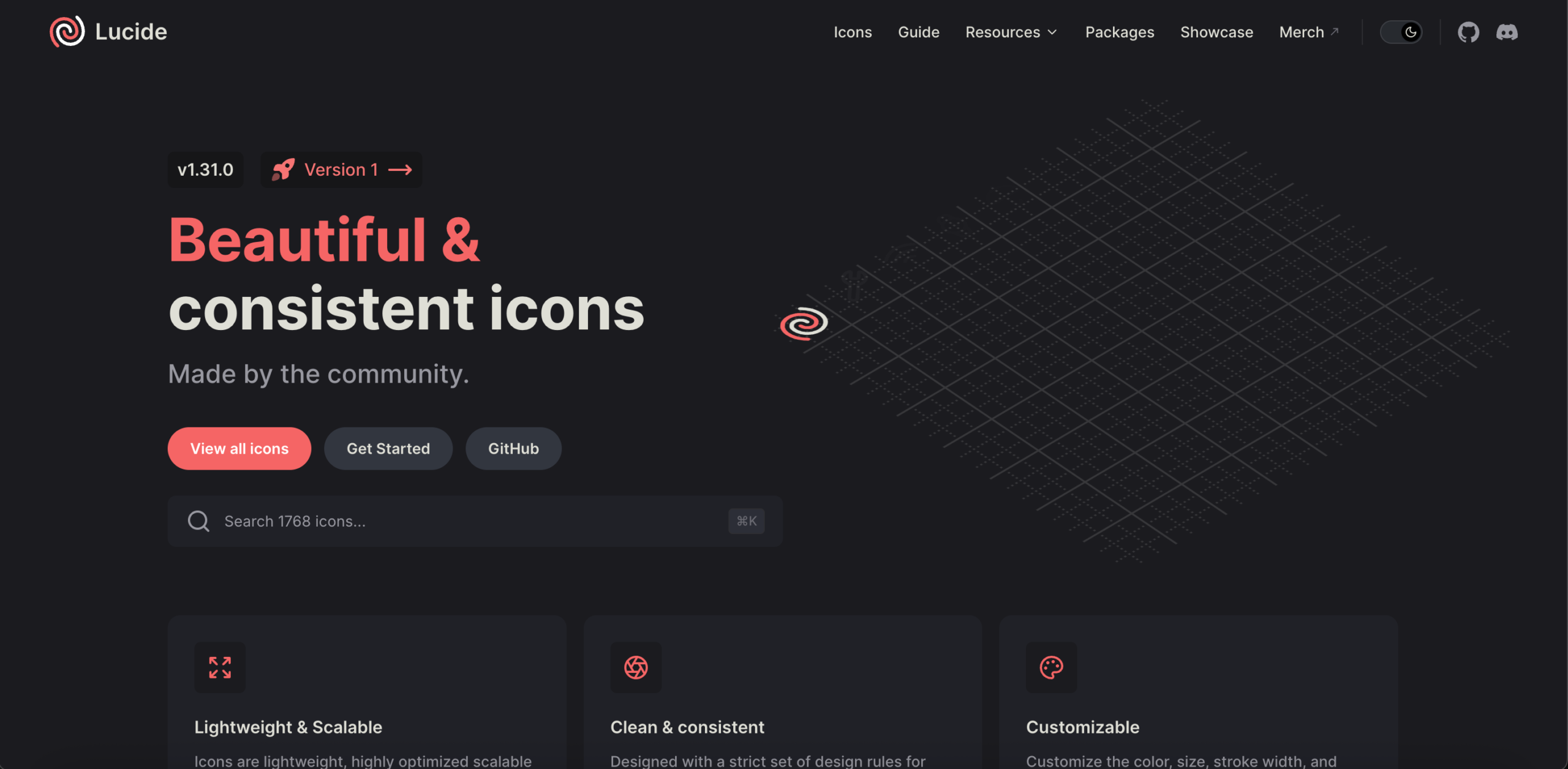
Lucide is a community-maintained fork of Feather, grown to over 1,600 icons while keeping the original stroke style.
The library is tree-shakable, so your build includes only the icons you import. A project using 20 icons ships 20 icons, not 1,600. Official packages cover React, Vue, Svelte, Angular, and Solid.
Lucide ships SVG only. If you need font delivery, IcoMoon can build one from the SVG files. See our guide to React icon libraries for framework-specific setup.
Ships web font: No, SVG only
License: ISC. No attribution required
Best for: React and Vue projects that want Feather’s style, active maintenance, and a larger set.
Octicons
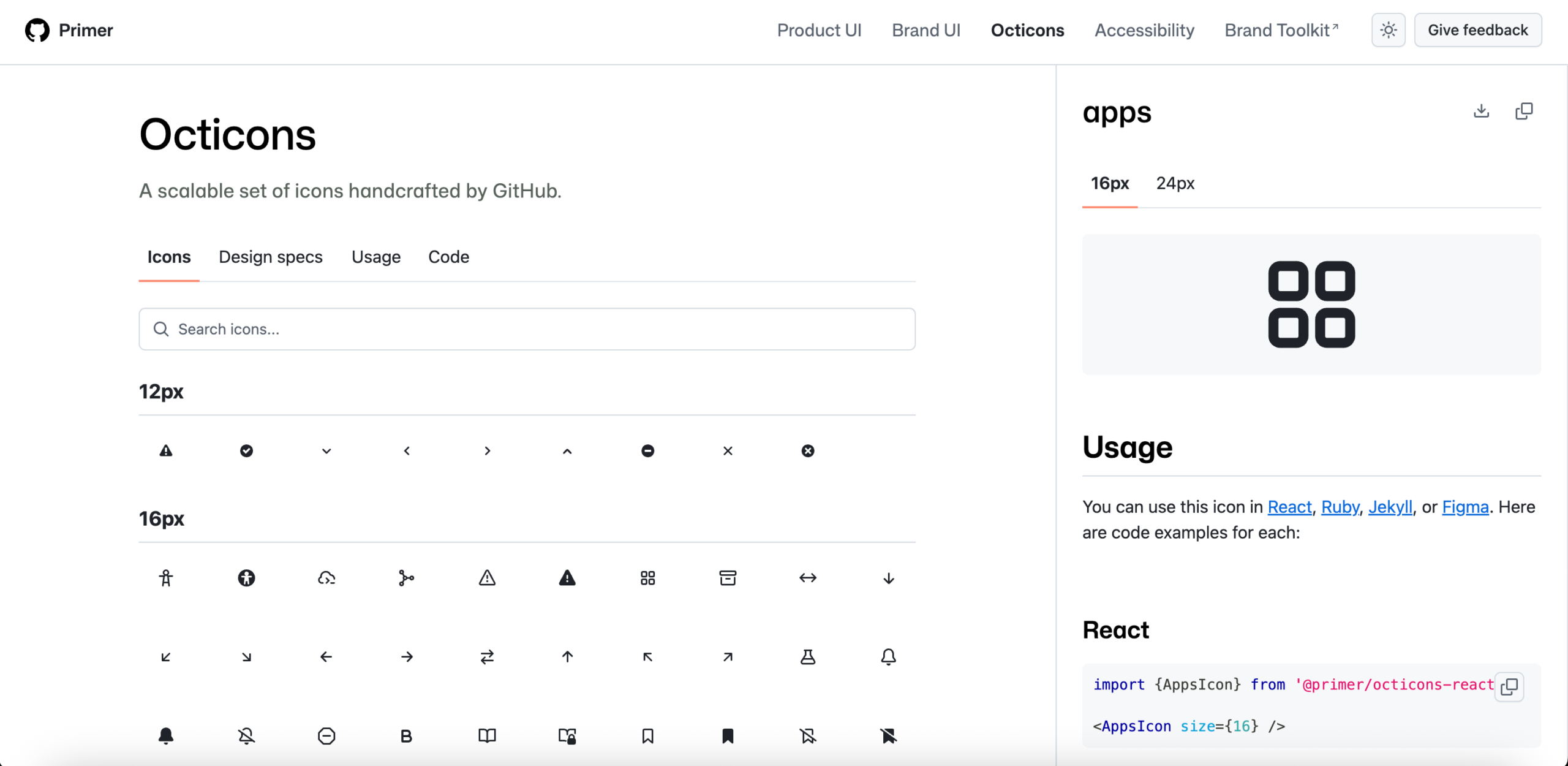
GitHub’s official icon set holds over 200 icons built for developer tools.
The set covers version control concepts other libraries omit: branches, commits, pull requests, merge states, and repository actions. If your product involves code, these icons already exist here.
Octicons ship at 16px and 24px as separate drawings, not as a single drawing scaled. Each size is optimized for its display context.
Ships web font: No, SVG only
License: MIT. No attribution required
Best for: developer tools, code hosting, and any interface showing version control states.
Themify Icons
Themify offers 320+ icons drawn in a thin, geometric line style inspired by iOS 7.
The set ships SVG files plus a web font, with class names prefixed ti-. The font uses SIL OFL 1.1, and the code uses MIT, so commercial use and redistribution are both permitted. Brand icons remain the trademarks of their owners.
The last release was version 1.0.1, so expect no new icons or support.
Ships web font: Yes
License: SIL OFL 1.1 for the font, MIT for the code
Best for: projects wanting a thin, geometric line style at no cost.
Zondicons
A small, solid-style set available in SVG and PNG.
Zondicons use filled shapes rather than strokes, giving them more visual weight than most sets here. That suits interfaces where icons need to hold their own beside heavy typography.
Ships web font: No, SVG and PNG
License: MIT. No attribution required
Best for: interfaces wanting filled icons with more presence than a thin stroke provides.
Linearicons
Linearicons offers a free line icon set delivered through a CDN, with paid tiers adding more icons and desktop formats.
Icons are drawn on a 20×20 pixel grid, which is smaller than the 24px standard most sets use. That produces a tighter, more compact appearance.
Ships web font: Yes
License: Free tier and paid packages
Best for: compact interfaces where a 20px grid suits the density better than 24px.
Streamline
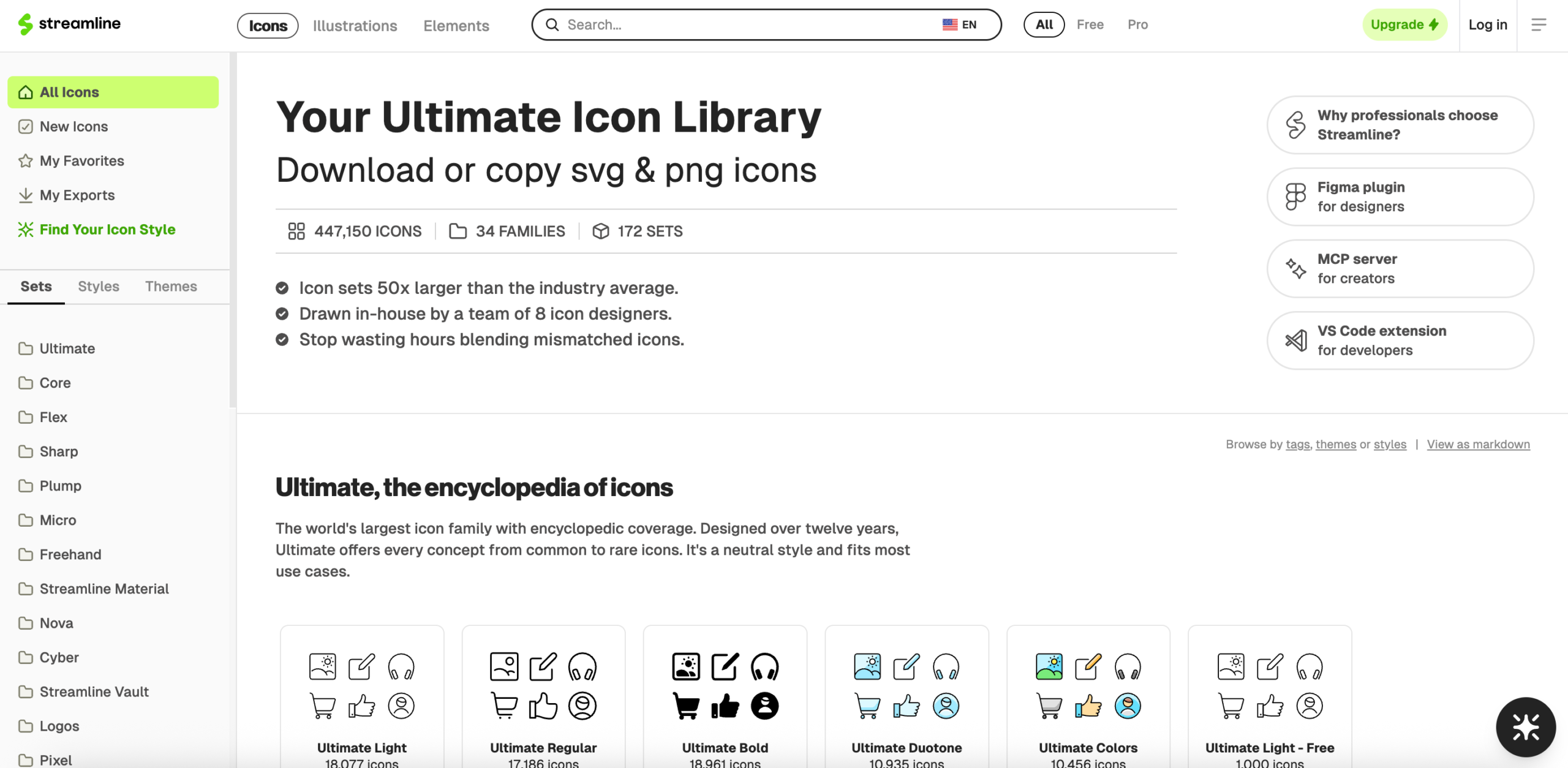
Streamline is the largest library on this list, spanning icons, illustrations, and emoji across many families and weights.
A free tier exists, but most of the library requires payment. The scale is the appeal and also the difficulty, since finding the right icon across that many families takes longer than browsing a set of 300.
Ships web font: Yes, varies by family
License: Free tier and paid plans
Best for: teams needing icons, illustrations, and emoji from one source with a consistent look.
Nerd Fonts
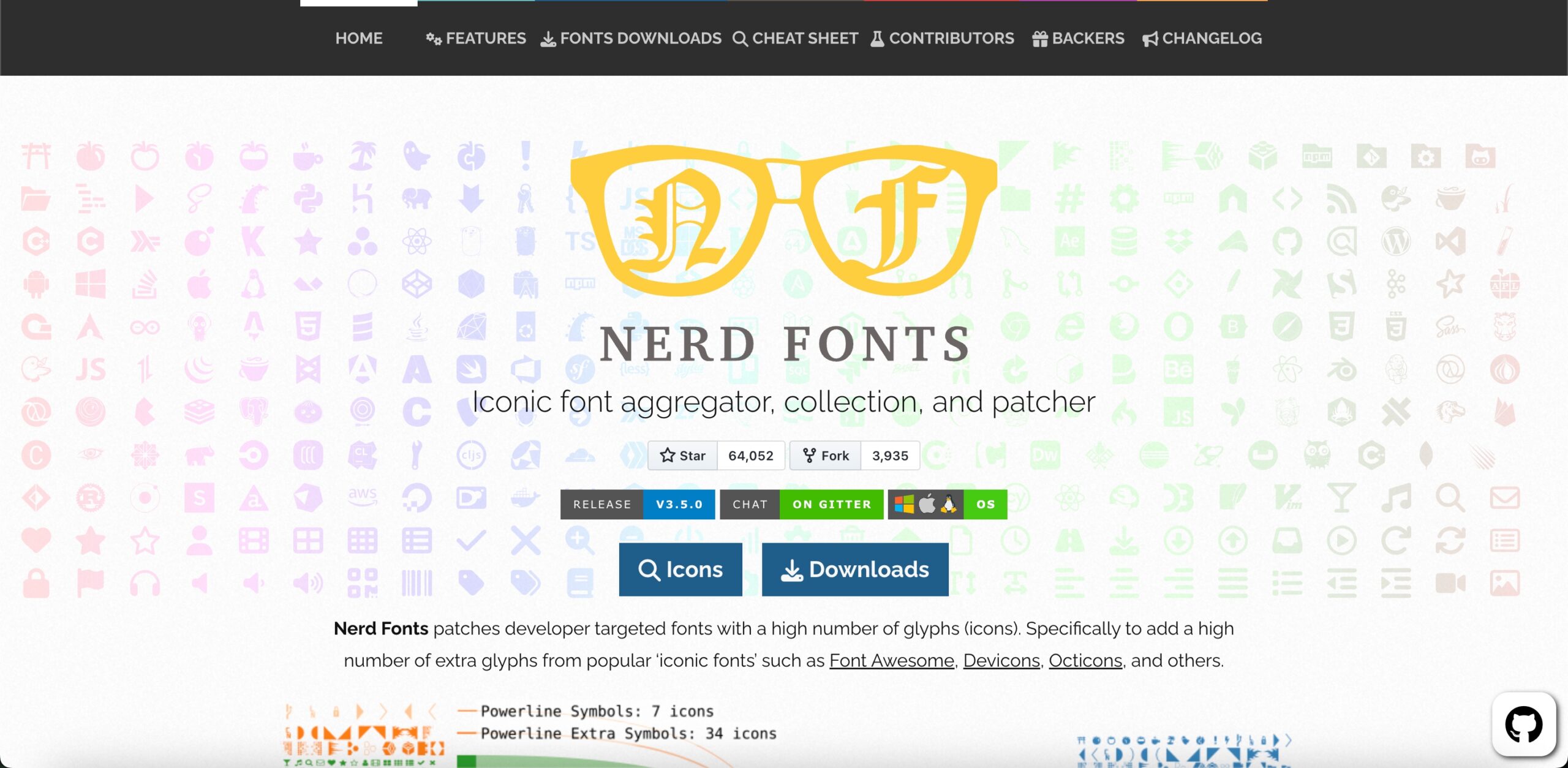
Nerd Fonts is not an icon pack. It is a patcher that merges icon glyphs into existing programming fonts.
The project combines over 10,000 glyphs from 14 icon sets, including Font Awesome, Material Design Icons, Octicons, Devicons, and Powerline. It ships 67 pre-patched font families, among them JetBrains Mono, Fira Code, and Hack. You can also patch your own font with the included script.
The glyphs sit in the Unicode Private Use Area, so your letters and numbers render exactly as before. The icons appear in terminals, status bars, and file trees that reference those codepoints.
A “Mono” variant keeps strict monospace widths, which prevents icons from breaking terminal column alignment.
Ships web font: Yes, though intended for terminals and editors
License: Varies by source font and glyph set
Best for: terminal prompts, code editors, and status bars. Not intended for websites.
Older Sets Still Worth Knowing
These sets still work, but none have shipped meaningful updates in years. Use them if the style fits, and expect no support.
- Helium: A set of just over 100 line icons released by Codrops, available in SVG, AI, and EPS. The thick strokes and curves give it more character than most minimal sets.
- Linea: A 730-icon outline set by Dario Ferrando covering weather, arrows, music, software, and e-commerce. The original linea.io domain no longer hosts the project. Download it from the Linea GitHub repository.
- Dripicons: A free line icon set covering common interface needs, supplied with separate character mapping and CSS mapping files.
Free for Commercial Use? License at a Glance
“Free” means different things across these packs. Here is what each one permits.
| Icon pack | License | Commercial use | Attribution required |
|---|---|---|---|
| Lineicons (free tier) | Free license | Yes | No |
| Font Awesome Free | CC BY 4.0 icons, MIT code | Yes | Yes |
| Material Symbols | Apache 2.0 | Yes | No |
| Bootstrap Icons | MIT | Yes | No |
| Tabler Icons | MIT | Yes | No |
| Remix Icon | Apache 2.0 | Yes | No |
| Phosphor Icons | MIT | Yes | No |
| Boxicons | CC 4.0 icons, SIL OFL 1.1 fonts | Yes | Appreciated, not required |
| Ionicons | MIT | Yes | No |
| Feather | MIT | Yes | No |
| Lucide | ISC | Yes | No |
| Octicons | MIT | Yes | No |
| Zondicons | MIT | Yes | No |
Two points worth knowing.
- Font Awesome Free requires attribution: CC BY 4.0 means you must credit Font Awesome. Most projects satisfy this by leaving the comment header in the CSS file. Strip that header, and you fall outside the license.
- Font Awesome’s most-wanted styles cost money: Thin, Light, Sharp, and Duotone require a Pro subscription. Material Symbols has fewer styles but charges for none of them.
Frequently Asked Questions
What is an icon font?
An icon font is a font file where each character is an icon rather than a letter. You add it to your site like a normal web font and display icons using CSS class names. Icons stay sharp at any size, and you change their color and size with CSS.
Are icon fonts free for commercial use?
Most are. Material Symbols (Apache 2.0), Bootstrap Icons, Tabler, Phosphor, Feather, and Octicons (all MIT) allow commercial use with no attribution. Font Awesome Free uses CC BY 4.0, which does require attribution. Always read the license file in the download.
Which file format should I use for an icon font?
Use WOFF2 for websites. Every current browser supports it, and the file is the smallest. Use TTF only for desktop applications such as Figma, Photoshop, or Word.
What is the best free alternative to Font Awesome?
Material Symbols and Tabler Icons are the strongest free alternatives. Material Symbols is licensed under Apache 2.0 with no attribution requirement and no paid tier. Tabler offers 6,184 MIT-licensed icons in a consistent stroke style. Lineicons and Boxicons suit projects wanting more style variety.
How many icons does a typical project need?
Most websites and apps use between 50 and 150 unique icons. Category coverage matters more than total count. A well-chosen set of 300 icons often beats a set of 30,000.
Do icon fonts slow down a website?
They can. An icon font loads every icon in the set, including the ones you never display. If you use fewer than about 20 icons, inline SVG is usually faster. IcoMoon lets you build a font containing only the icons you need.
Can I mix icons from different libraries?
Technically, yes, but it shows. Different libraries use different grids, stroke widths, and corner radii. Users notice the inconsistency even when they cannot name it. Pick one library for interface icons, then add a second source for brand logos only, which rarely clash.
Final Words
Icons carry a large share of the meaning in any interface, and building them from scratch rarely pays off.
Material Symbols gives you the widest free set with no license conditions. Font Awesome offers the largest ecosystem and the fastest setup. Tabler includes thousands of MIT-licensed icons in a single consistent stroke style. For style variety across many formats, look at Lineicons or Boxicons. Feather and Lucide suit projects wanting something small and tightly consistent.
Pick one library and stay with it. Mixing icon sets in a single interface is visible to users, even when they cannot say why something looks off.
Looking for more free design assets? See our roundups of free SVG images and Flaticon alternatives.
Recommended
19 Oct 2026
Designers, are you tired of searching for an open-source icon library that perfectly fits your project? Or you may need icons with speci
12 Aug 2026
Icons help make your website stunning and stand out. They make the UI intuitive and offer a better user experience. However, finding a g