10 min read
11 Aug 2026
8 Best Flaticon Alternatives for 2026
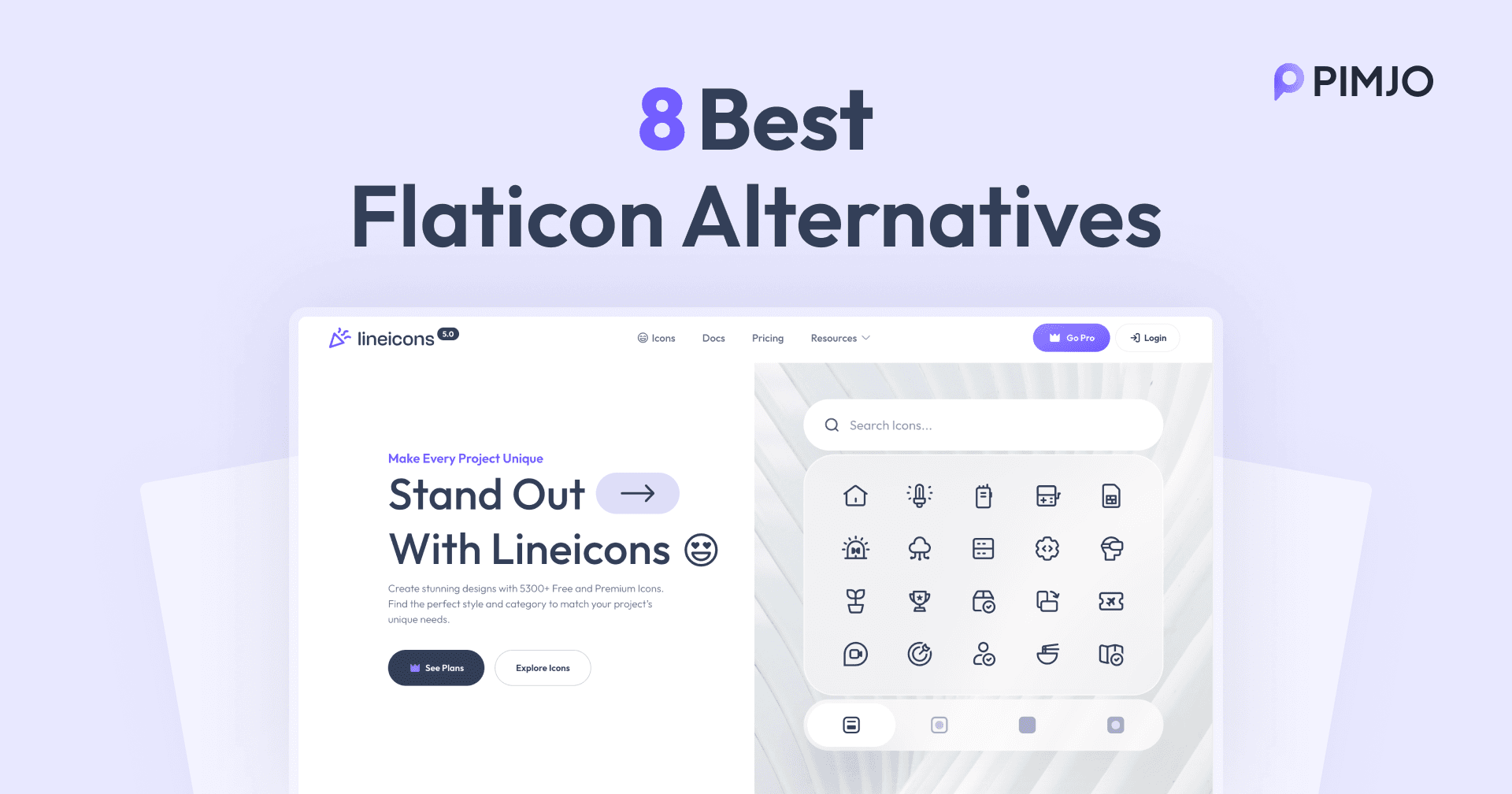
Flaticon is popular yet not perfect for all. It offers a huge collection, but many icons are locked behind a paywall. Also, the style doesn’t match sometimes. That’s where the best Flaticon alternatives come in. With a variety of icons and shapes, the libraries make your design the best it can be.
Flaticon alternatives have clean, modern icons. They work well with modern frameworks like React, Vue, and others. Besides, the icons are optimized, scalable, and customizable.
Therefore, switching to Flaticon alternatives saves your time and effort on design. But with so many icon libraries available, it is hard to choose. So, here we are, with the 8 best Flaticon alternatives for 2026. Find the one that matches your needs and helps you stay creative without limits.
What is Flaticon?
Flaticon is a massive online database of free vector icons and animated icons. It is a part of the Freepik company. It offers 18 million+ assets. The icons are available as PNG, EPS, PSD, and SVG formats. The icon library is popular and user-friendly. That’s why most people use icons for websites, mobile apps, presentations, and social media graphics too.
Moreover, the icons library offers full CSS styling capability. So, you can edit and customize the icons just as you want. The icons are responsive and optimized for better performance. It is integrated with Figma for a smoother workflow.
Why Choose Alternatives?
Flaticon alternatives offer better consistency and features. You will get higher-quality and more diverse icons. Thus, it makes your projects scalable and more functional. Here are the key reasons to choose alternatives to Flaticon:
- Better consistency: The alternatives provide a uniform style to all your designs. So, your app feels like a whole piece.
- Workflow integration: Many libraries offer plugins for Figma, Illustrator, Framer, and VS Code. It makes both the design and development processes smoother.
- Diverse icons: Some alternatives also provide a more diverse icon collection.
- Specialised assets: You will get some animated icons, photos, emojis, and illustrations. It will make your designs more interactive.
Which One Is Right for You?
People leave Flaticon for different reasons, which affects which library suits them.
Some want the same marketplace model, just bigger or better organized. Icons8, Streamline, and Nucleo all offer huge browsable collections. Nucleo sells lifetime access instead of a subscription, which works out cheaper over a few years.
For anyone whose real problem is the paywall, Heroicons, Feather Icons, and Material Symbols are free and open source. No subscription, no attribution, no download limits.
Mismatched icons come from Flaticon’s crowd-sourced model. Lineicons and Font Awesome draw every icon to one specification, so the whole interface holds together.
Developers working in a framework will want Lineicons, Heroicons, or Feather. All three ship npm packages for React, Vue, and Angular.
All eight are covered below.
Flaticon Alternatives: At a Glance
| Library | Icons Count | Styles or Variations | Standout Feature |
|---|---|---|---|
| Lineicons | 27,988+ icons | Bulk, Outlined, Solid, and Duo-tone | Works smoothly with React, Vue, and Angular |
| Heroicons | 316 icons | Outline, Solid, Mini, and Micro | Fully free, Tailwind CSS-friendly |
| Material Symbols | 2,500+ icons | Outlined, Rounded, and Sharp (variable fonts) | Optimized for web, Android, and iOS |
| Font Awesome | 64,000+ icons | 31 styles | “Kit” CDN for easy integration |
| Feather Icons | 287 icons | Minimal style | Lightweight and open-source |
| Nucleo | 43,450+ icons | Core, UI, Sharp, and Micro Bold | Desktop app for Mac and Windows |
| Icons8 | 1.5M+ icons | 45+ styles | Figma, Illustrator, Photoshop plugins, and 4,500+ animated icons |
| Streamline Icons | 447,171 icons | Ultimate, Core, Flex, Sharp, Plump, and 25 more | Figma, VS Code, and Framer plugin support |
Best Flaticon Alternatives
Here is the list that we prepared after testing the best Flaticon alternatives. The icon libraries are versatile, popular, and offer the best features. However, not all will meet your requirements. So, take a deep look and pick the one you need.
Lineicons
Lineicons is the best Flaticon alternative with a massive icon collection. It has 27,988+ free and premium handcrafted icons. Moreover, the icon aligns with your project’s style, design, and needs. The library also includes different icon styles. It has bulk, outlined, solid, and duo-tone icons. So, the designers can easily choose the one they need and create amazing user interfaces.
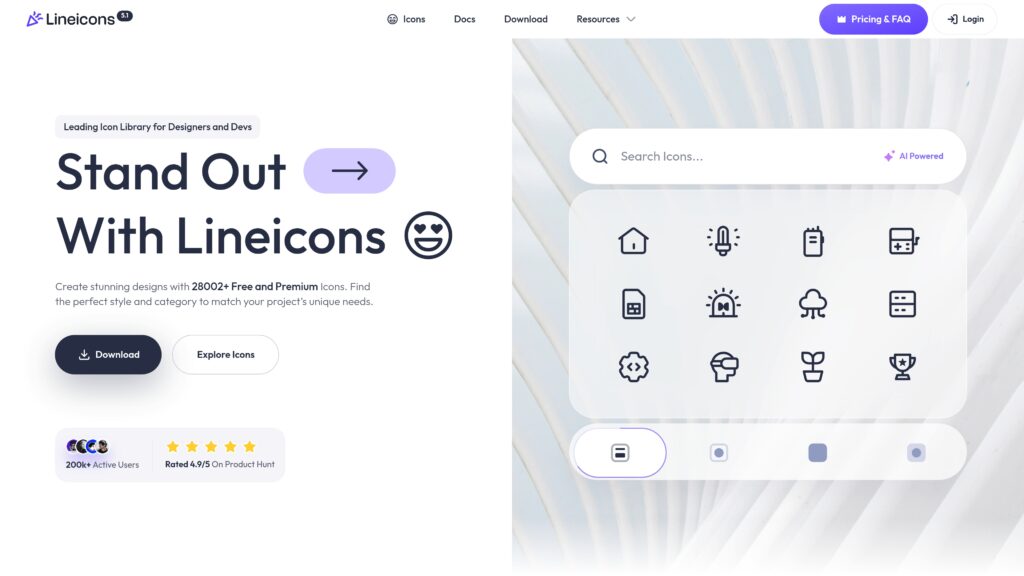
Also, the library integrates smoothly with Angular, React, React Native, and Vue. You can customize the colors, stroke, width, and size. It meets your design requirements and improves your design as well. Also, you can download the icons in SVG, JSX, TSX, Vue, PNG, HTML, Svelte, Base64 String, and WEBP formats.
Key Features
- 27,988+ free and premium icons
- Leading icon library for designers and developers
- Easily customize the icon color, size, width, and stroke
- Connects with React, Angular, Vue, and React Native
- Available as SVG, PNG, WebP, TSX, JSX, and many other formats
- Has developer-friendly NPM integration
- Clean, modern, and hand-crafted icons
- Optimized for scalability and high performance
- Easy categorization and an AI-based icon search option
- Better Figma plugin integration for smoother performance
Pros
- Huge collection of modern and clean icons
- Has both free and premium icons
- Works smoothly with modern frameworks
- Flexible, scalable, and easy to customize
- Download in different formats such as SVG, PNG, JSX, and more
- Good for UI/UX design and web development
Cons
- Lineicons is still growing
- Some advanced icons need a paid plan
Pricing
Lineicons has very budget-friendly pricing plans. You can get the icons on subscription-based plans or on a one-time purchase. The pricing plans are:
Subscription-based (Pay Annually)
- Starter: $59
- Business: $129
- Extended: $799
Lifetime (One-time pay)
- Starter: $99
- Business: $249
- Extended: $1399
NPM Install
npm install lineicons
Heroicons
Heroicons is another popular Flaticon alternative. It is built by the makers of Tailwind CSS. It is a fully free and open-source SVG icon library. Yet, it has only 316 icons. Additionally, the icons are modern, clean, and handcrafted. The library also works smoothly with React and Vue projects. Also, the icons are available in different styles like outlined, solid, mini, and micro.
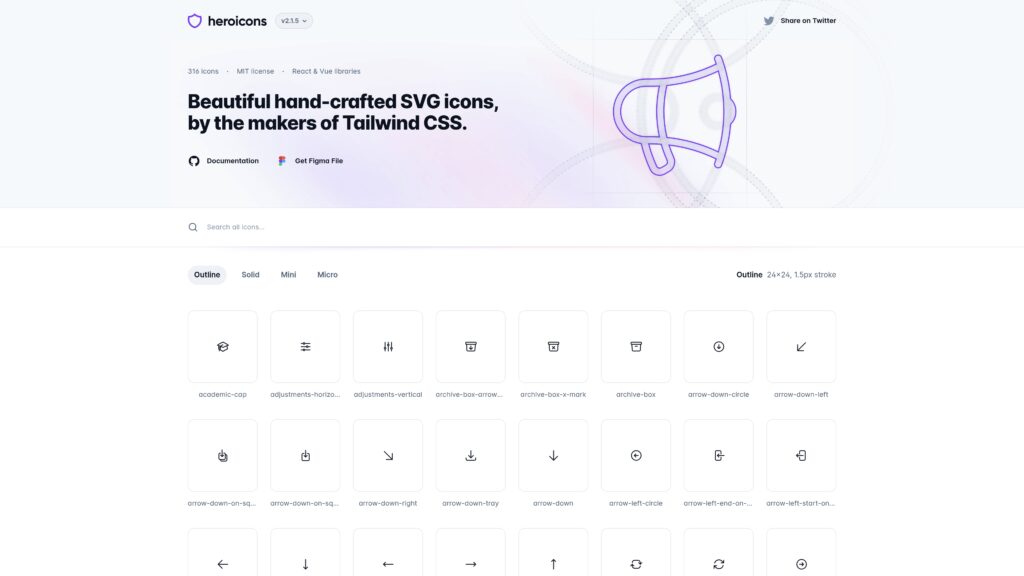
Moreover, you can copy the SVG format or install the icons through NPM packages. In addition to that, the icons are easily scalable and flexible. It also has a Figma file. Therefore, you can customize the icons as your project needs.
Key Features
- 316 modern, free, and open-source icons
- Designed by the creators of Tailwind CSS
- Includes outline and solid icon styles
- Available in multiple sizes, like 24px and mini icons
- Easy to customize color, size, and stroke
- Works well with React, Vue, and modern frameworks
- Developer-friendly NPM package support
- Clean and consistent design system
- Lightweight icons optimized for performance
- Simple browsing and easy icon selection
Pros
- Consistent, clean, and hand-crafted icons
- Perfect for modern web and app interfaces
- Easy to integrate with React and other frameworks
- Lightweight SVG icons that scale well
- Great choice for developers using Tailwind CSS
Cons
- Smaller icon library compared to some platforms
- Mostly focused on simple UI icons
- Fewer style variations than large icon marketplaces
- Limited file formats compared to some other icon libraries
Pricing
Heroicons is a fully free and open-source icon library. You can use the icons for your commercial or personal use.
NPM Install
npm i heroicons
Material Symbols And Icons
Material Symbols are a core component of Google’s Material Design system. It is an open-source icon library and another of the best Flaticon alternatives. The library includes 2,500+ icons, developed for web, Android, and iOS projects.
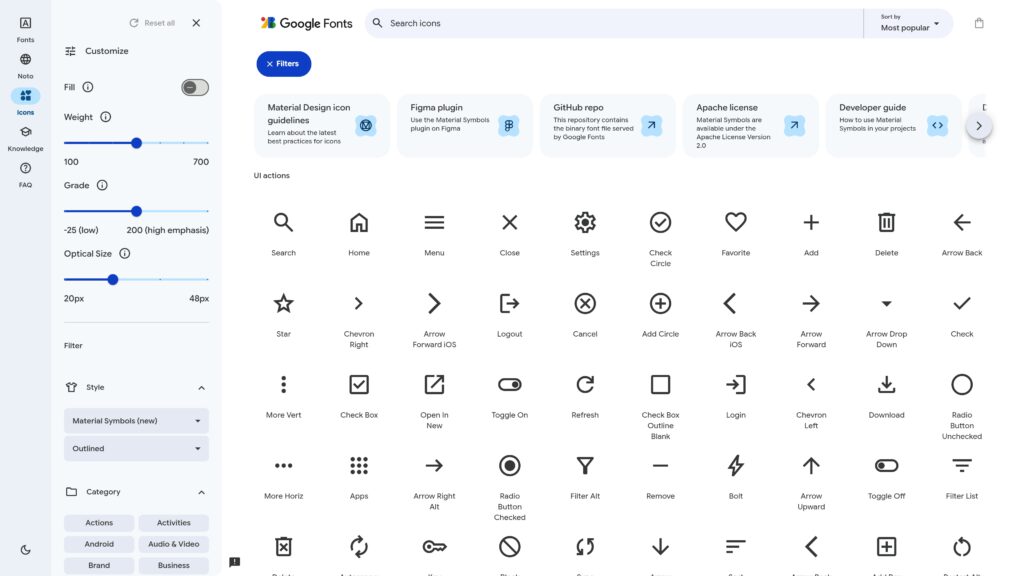
The icons come in three styles: outlined, rounded, and sharp. Each ships as a variable font with four axes you control through CSS: fill, weight, grade, and optical size. That means one font file covers every size and weight, so there is no separate filled version to load. Set fill to animate an outlined icon into a solid one, or drop grade to -50 when placing white icons on a dark background.
You can download the icons in SVG and PNG formats. Everything is licensed under the Apache License 2.0.
Key Features
- 2,500+ free icons and symbols from Google’s icon library
- Three icon styles: outlined, rounded, and sharp
- Four variable axes: fill, weight, grade, and optical size
- Color, size, and weight customization via CSS
- Works well for web apps, Android, and iOS
- Available as SVG and PNG formats
- Supports the NPM package for easy installation
- Integrates easily with Figma design tools
- Optimized for higher performance and scalability
- Simple and clean icons ideal for modern UI/UX design
Pros
- 100% free and open-source
- One font file covers every size and weight
- Works smoothly with web and mobile frameworks
- Fast loading using Google’s CDN
- Great support from Google’s ecosystem
- Easy integration in tools like Figma and code editors
Cons
- Not as many illustrative or decorative icons
- Style is based on Material Design, so it may not fit every brand
- No brand or social media logos, so you need a second source for those
- Pixel-grid alignment is exact at 20px and 24px only
If you need social icons alongside it, our roundup of the best free icon font packs covers libraries that include them.
Pricing
Material Symbols are completely free to use. You can add the icons to your personal and professional projects without a subscription.
NPM Install
npm i @material-design-icons/fontFont Awesome
Font Awesome is another popular open-source font and the best Flaticon alternative. It has over 64,000 free and premium icons. Yet, only 2000 free icons are available. However, the icons are vector-based and easily scalable. Also, you can customize the color and size with the custom CSS.
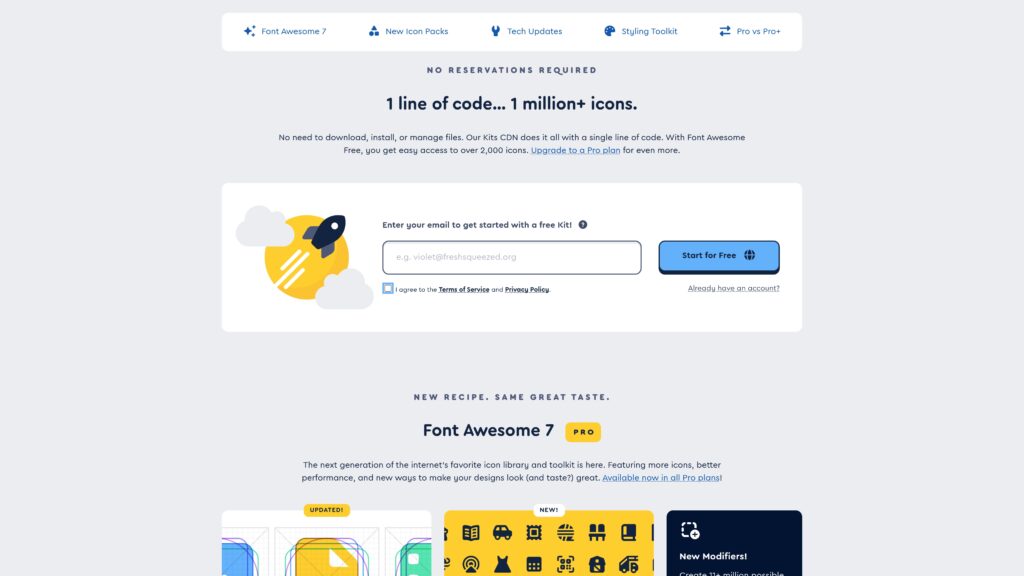
In addition, Font Awesome has 31 icon styles. So, you can easily pick the one that matches your design. The icons are available as SVG and WebP formats. Moreover, the icons are fully optimized for better performance and flexibility. Again, their “Kit” CDN is only a line of code. It lets you manage all the icons without downloading and installing each one. However, you can explore Font Awesome alternatives to make your projects more diverse and interactive.
One thing to know before you commit: the free icons are licensed under CC BY 4.0, which requires attribution. Most projects handle this by leaving the comment header in the CSS file. If that does not suit your project, our roundup of free Font Awesome alternatives covers libraries without such a condition.
Key Features
- 64,000+ icons across free and premium collections
- Around 2,000 icons are available in the free version
- 31 different icon styles for flexible design options
- Vector-based icons that scale without losing quality
- Easy customization of size, color, and animation with CSS
- CDN Kit support for quick and simple integration
- Available as SVG, WebP, and JS formats
- Works well with React, Angular, and Vue
- Regular updates for new icons and features
- Optimized for modern websites and responsive design
Pros
- Large and well-known icon library
- Easy to use and integrate into websites
- CDN Kit saves time and reduces setup effort
- Scalable icons perfect for any screen size
- Good documentation and community support
- Works with most development frameworks and tools
Cons
- Icon downloads, npm, and Figma need an annual Solo or Team plan
- The free version has limited icon styles
- Free icons require attribution under CC BY 4.0
- Full library access requires a paid subscription
Pricing
Font Awesome’s free tier covers around 2,000 icons. The paid plans are:
- Starter: $48/year (all Pro icons via CDN, 5 kits, 1 seat)
- Solo: $96/year (adds Pro+ icons, downloads, npm, Figma, perpetual license)
- Team: $192/year (adds 3 seats, scaling to 50)
NPM Install
npm i @fortawesome/fontawesome-free
Feather icons
Feather Icons is another of the best Flaticon alternatives. It is a free and open-source icon library. The library has 287 free icons for your design and development projects. Moreover, it is a clean, simple library for vector-based SVG icons.
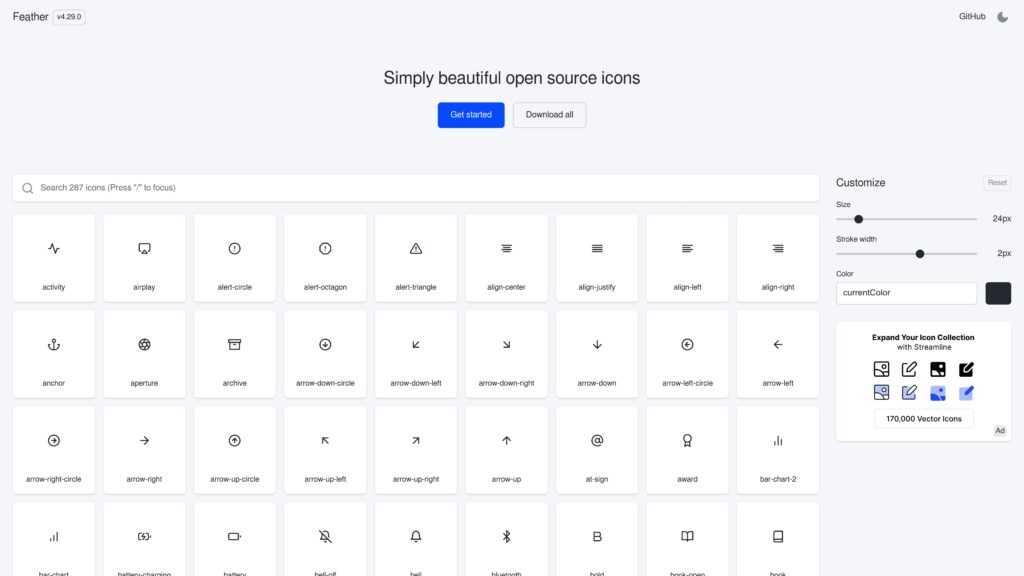
In addition, Feather Icons places strong emphasis on consistency and simplicity. For this reason, the icons make a balanced look for your designs. Not only that, you can customize the color and stroke sizes for your design. The icons are available in SVG and JS formats. If you are new to working with SVG, our guide on using SVG on the web covers the embedding methods.
Key Features
- 287 minimal and clean icons
- Vector-based SVG icons for high scalability
- Simple and consistent design on a 24×24 grid
- Easy customization of color, size, and stroke width with CSS
- Lightweight icons optimized for fast loading
- Works with websites, apps, and UI design projects
- Available through SVG, JavaScript library, and NPM package
- Highly versatile and works with all modern frameworks and stacks
Pros
- Popular, fully free, and open-source
- Clean and minimal design to create a modern UI
- Lightweight icons improve website performance
- Easy to customize and integrate
- Consistent design style across the library
Cons
- Smaller icon collection compared to larger libraries
- Limited styles, as it focuses on minimal line icons
- Updates are less frequent than some newer libraries
- May not include very specific or complex icons
Pricing
Feather Icons are completely free to use. The icons use the MIT license. Therefore, you can use them for personal and commercial projects.
NPM Install
npm i feather-icons
Nucleo Icons
Nucleo Icons is another high-quality Flaticon alternative. It is a powerful icon library for your development and design projects. The full library now holds 43,450+ SVG icons across several families, including Core Icons, UI Icons, Sharp Icons, and Micro Bold Icons. Thus, you can easily pick the icon you need without wasting your time.
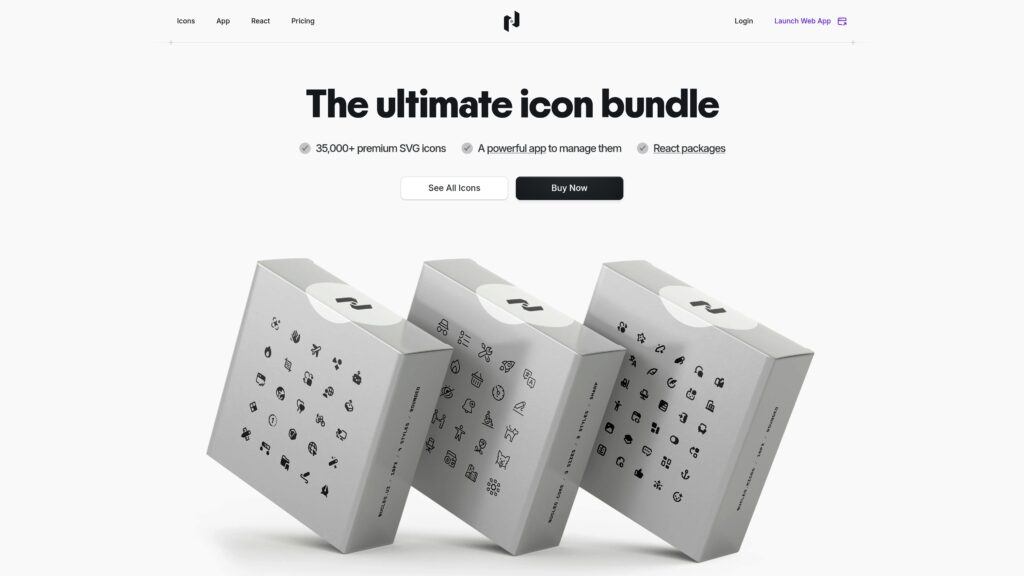
In addition to that, Nucleo icons are fully scalable and easy to customize. You can also change the color, padding, and rotation. It has four styles: outline, fill, outline duotone, and fill duotone. Furthermore, the icons are available in SVG, PNG, and TSX formats. Most importantly, the Nucleo App includes desktop apps for macOS and Windows to organize everything.
Nucleo also publishes a free, open-source subset that covers social media icons, flags, credit card icons, and cursors. Worth checking before you buy, since it may cover what you need.
Key Features
- 43,450+ high-quality icons across multiple icon families
- Four styles: outline, fill, outline duotone, and fill duotone
- Six grid sizes: 12, 16, 24, 32, 48, and 64 pixels
- Vector SVG icons that scale without losing quality
- Dedicated Nucleo desktop app for Mac and Windows
- Easily customize the color and stroke sizes
- Export icons in SVG, PNG, and TSX format
- Organize Nucleo icons alongside other icon sets in the app
- Free open-source subset available, including social and flag icons
- New icons ship daily, bundled monthly for app users
Pros
- Huge icon library with tens of thousands of icons
- Professional and consistent icon design
- Powerful desktop app for icon management
- Great for UI design systems and large projects
- Supports multiple export formats
- One-time purchase instead of a subscription
Cons
- Most of the full icon library is paid
- Free icons are limited compared to the full collection
- Requires purchase for complete access
- A desktop app may be unnecessary for very small projects
Pricing
Nucleo has a one-time purchase option, so you get lifetime access. Pricing depends on the number of users. For one user:
- All icons bundle: $149
- Core icons: $99
- UI icons: $99
- Sharp icons: $69
- Micro Bold icons: $69
NPM Install
npm install nucleo-core-fill-24
Icons8
Icons8 is a massive and versatile icon library and a popular choice among designers and developers. The library holds over 1.5 million free icons across 45+ styles, drawn from packs of 10,000 icons or more, so everything within a style matches.
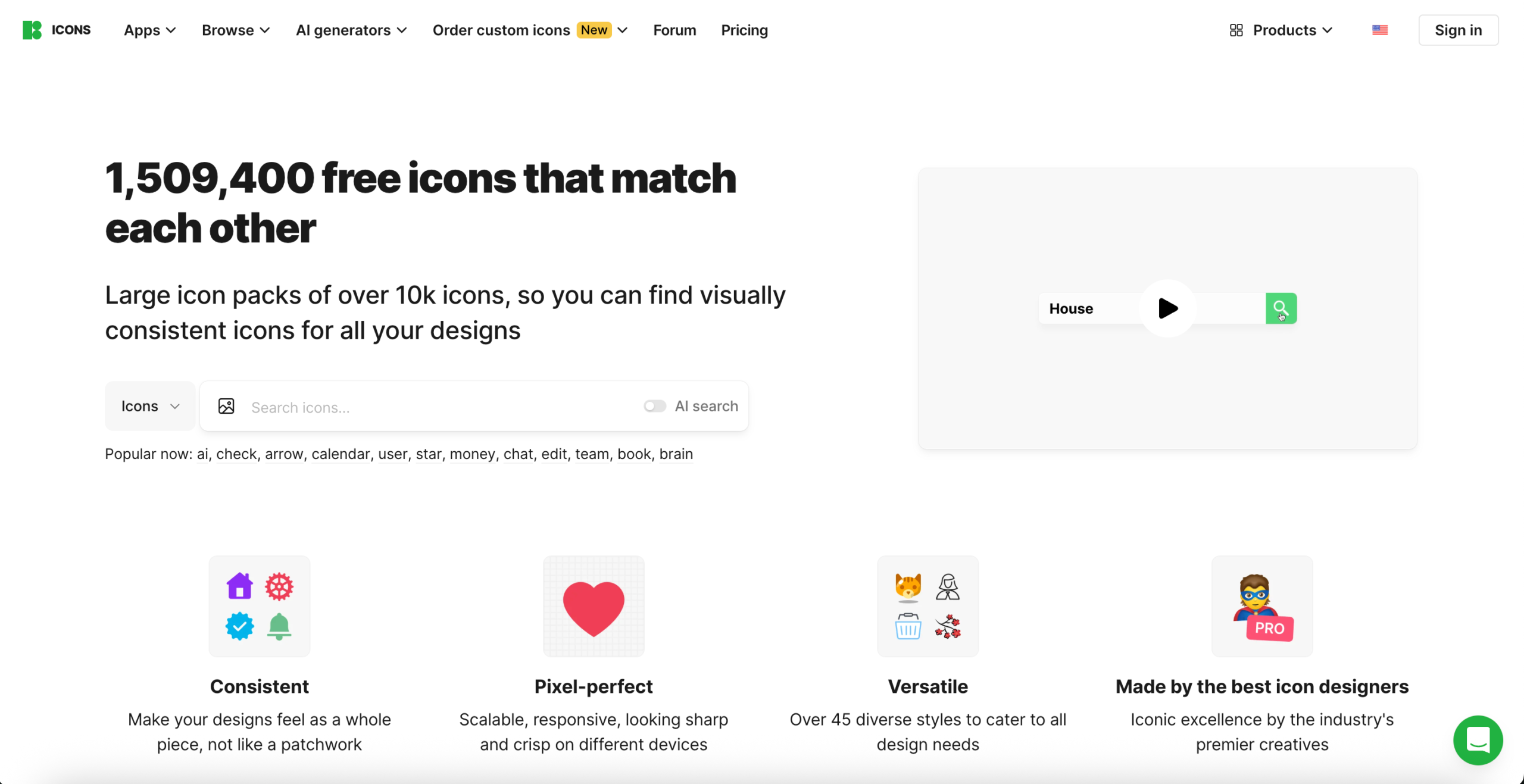
Recent additions include Claude Hand Drawn, Liquid Glass, and the iOS 27 sets. Larger packs include Color (13,078 icons), iOS 27 Outlined (11,157), and Windows 11 Outline (9,181). There is also a set of experimental styles covering Glassmorphism, Hieroglyphs, and Comic.
It has plugins for Figma, Photoshop, Illustrator, Google Docs, plus Mac and Windows apps, each carrying over a million assets. Icons8 also has 4,500+ animated icons in GIF, Lottie JSON, and After Effects formats. You can download in SVG, PNG, and PDF.
Key Features
- 1.5M+ free icons across 45+ styles
- Icon packs of 10,000+ so styles stay visually consistent
- 4,500+ animated icons in GIF, Lottie, and After Effects
- Figma, Photoshop, Illustrator, and Google Docs plugins
- Mac and Windows desktop apps for drag-and-drop
- Available in PNG, SVG, and PDF formats
- Free icon requests if something is missing
- Icons8 API for pulling assets into your own apps
- Regular updates with new styles added
- Lunacy design app with 1M+ built-in graphics
Pros
- Massive icon collection with pixel-perfection
- Many styles available on one platform
- Plugins improve workflow for designers
- Animated icons and extra design assets
- Easy to customize and download icons
- Works well for UI/UX and app design
Cons
- Free downloads require a link back to Icons8
- Free assets are limited in size and file format
- A large library can be overwhelming for beginners
- Premium features are locked behind a subscription
Pricing
Icons8 offers an Icons-only plan or an AI and Graphics plan that bundles icons with illustrations, photos, and AI tools.
- Icons: $15/month
- AI and Graphics: $24/month
- Ultimate: $199/month
NPM Install
No official package
StreamLine
Streamline Icons is another massive and popular alternative to Flaticon. It is a high-quality and customizable vector asset library. In addition to that, the library has 447,171 icons and illustrations across around 30 families. They meet all the needs of UI/UX designers and developers. Also, the library has well-known style families like Ultimate, Core, Flex, Sharp, and Plump.
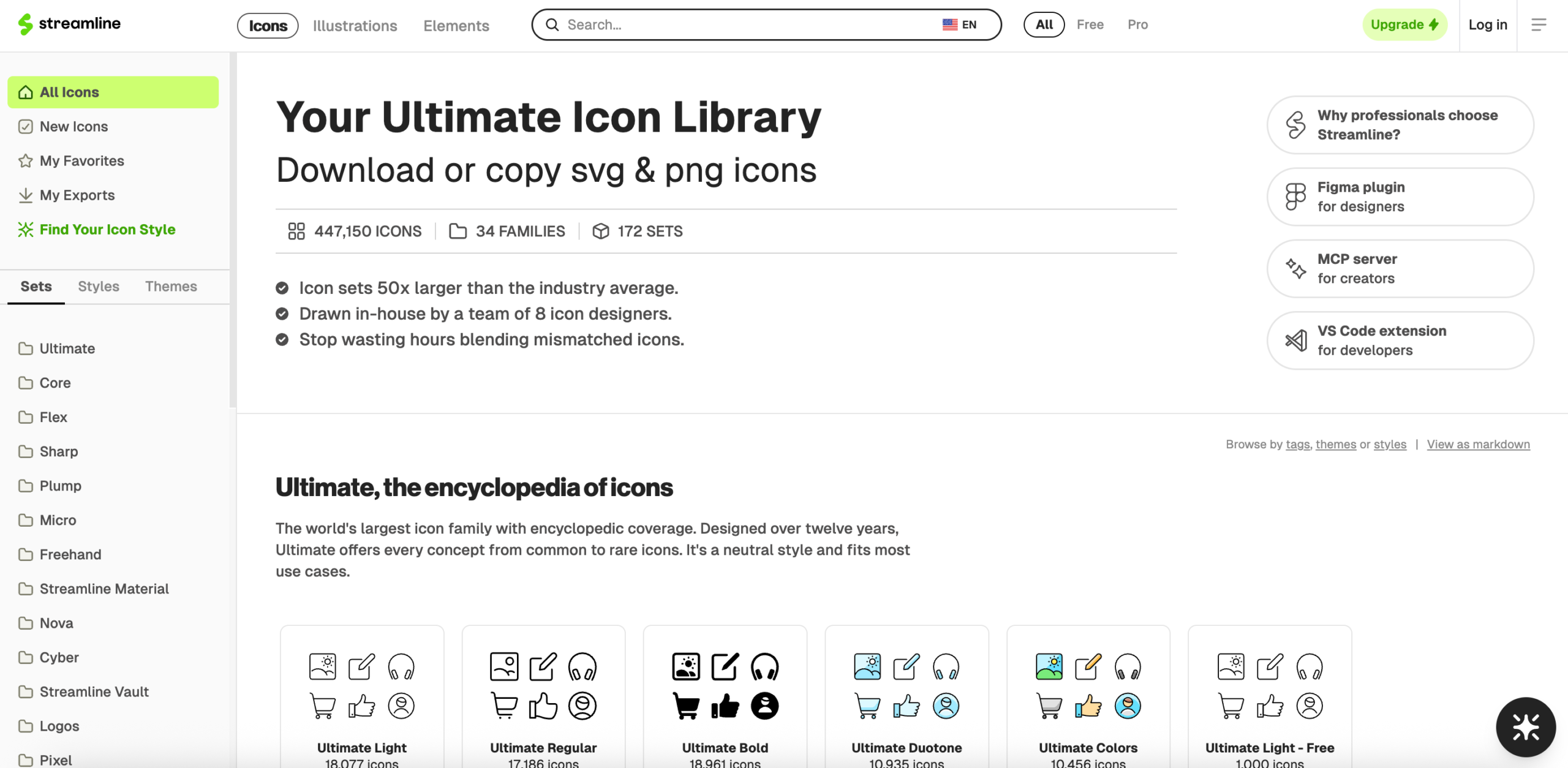
Besides, the icons come in different variations. It allows you to have flexible branding. The library has plugins for Figma, VS Code, and Framer. Moreover, you can download the icons in SVG, PNG, JSX, and PDF formats.
Key Features
- 447,171 icons and illustrations for UI/UX design
- Style families including Ultimate, Core, Flex, Sharp, and Plump
- Ultimate is the largest family with 80,615 icons across 10 sets
- Micro family drawn on a 10px grid for space-constrained interfaces
- Free tier available in most families
- Available as Figma, Visual Studio Code, and Framer plugins
- Downloadable in SVG, PNG, JSX, and PDF formats
- Vector-based, fully scalable icons without losing quality
- Optimized for web apps, mobile apps, and presentations
- Regular updates and new icon packs added
Pros
- Huge icon library suitable for professional projects
- Multiple styles and variations for design flexibility
- Integration with popular design and development tools
- Scalable vector icons for any screen size
- Icons optimized for UI/UX consistency
Cons
- Full access requires a paid subscription
- Smaller free collection compared to some alternatives
- The scale can be overwhelming when you need only a few icons
- Some advanced variations are limited to the Pro plan
Pricing
StreamLine Icons also offers affordable pricing. You can easily get access to the icons you want. The pricing plans are:
- Full access: $29/month
- Pro icons: $19/month
- Pro illustrations: $19/month
Final Words
The best Flaticon alternatives not only make your design look good but also professional and user-friendly. You can choose them for your small, large, personal, or commercial projects. The icons are scalable, customizable, and flexible. Therefore, you can create any interface just as you imagine.
Lineicons, Feather Icons, and Streamline Icons are now at the top of the list for many designers and developers. They offer the best icons for React, Vue, and other frameworks. Also, the icons are modern, clean, and easy to handle.
If you are still weighing options, our guide to free SVG images covers more ground.
Recommended
12 Aug 2026
Designers, are you tired of searching for an open-source icon library that perfectly fits your project? Or you may need icons with speci
10 Aug 2026
Icons are arguably among the most crucial elements of a graphical user interface. They communicate a whole idea through a single image.