Beautiful React Icon Library for Modern Apps
Ship modern React applications on one consistent icon set, featuring 31,204+ customizable SVG icons across 60+ categories, including 2,299+ free icons. Install via npm or use the CDN, import only the icons you need, and set size, color, and stroke with props.
200k+ Active Users


Why Developers Choose Lineicons React
Built for speed, customization, and design consistency, with the formats, type safety, and framework support that React projects need.

31,204+ React-Ready Icons
One set drawn on a single grid. Not a bundle of icon packs from different designers, so every icon matches every other icon.

2,299+ Free Icons
Free icons cover all five styles. Use them in personal and commercial projects. No attribution, no sign up, no credit card.

60+ Organized Categories
Browse by category instead of scrolling through thousands of names. Filter to business, AI, accessibility, emoji, or other groups.

Tree-Shakable ESM Modules
Your bundler keeps the icons you import and drops the rest, so your bundle size tracks what you use, not the library size.

TypeScript Support
Type definitions ship inside the package. Props autocomplete in your editor, and type errors appear before you build.

Figma + NPM + CDN Integration
Designers pull icons from the Figma plugin. Developers install the same icons from npm or load them from the CDN.
From Browsing Icons to Working React Code
Adjust and filter icons on the site, save the ones you need, then install the package and drop icons straight into your JSX.
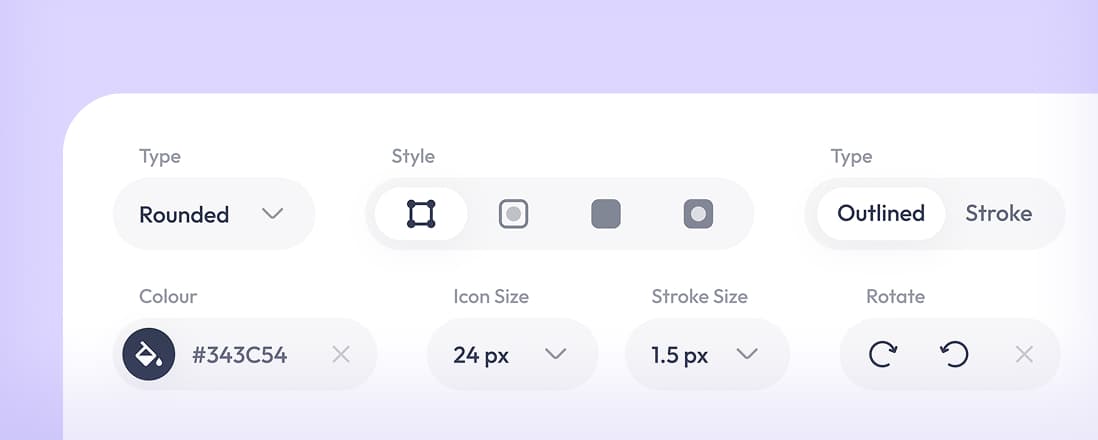
Customize Before You Copy
Set type, style, color, size, stroke width, and rotation in the browser, then copy the component into your code.
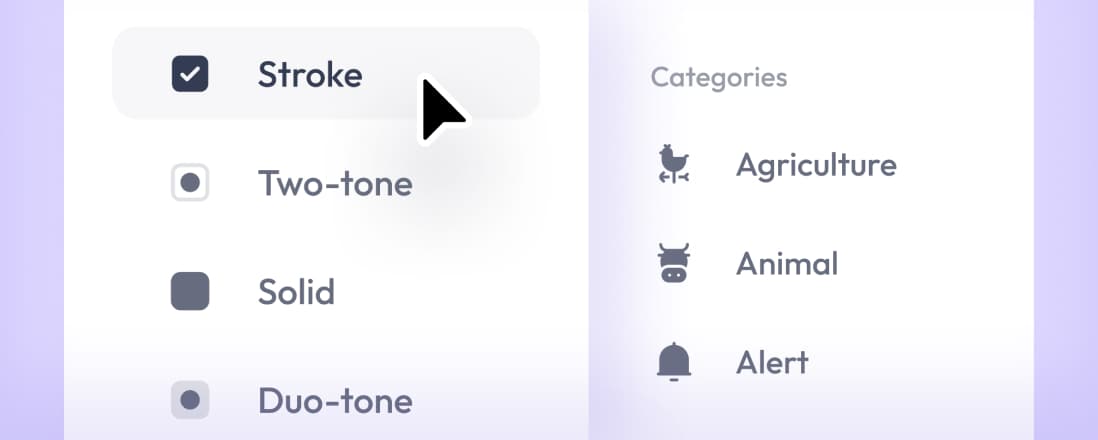
Filter Icons for React Projects
Filter by style and category simultaneously. Narrow five styles and 60 categories down to the few icons you need.
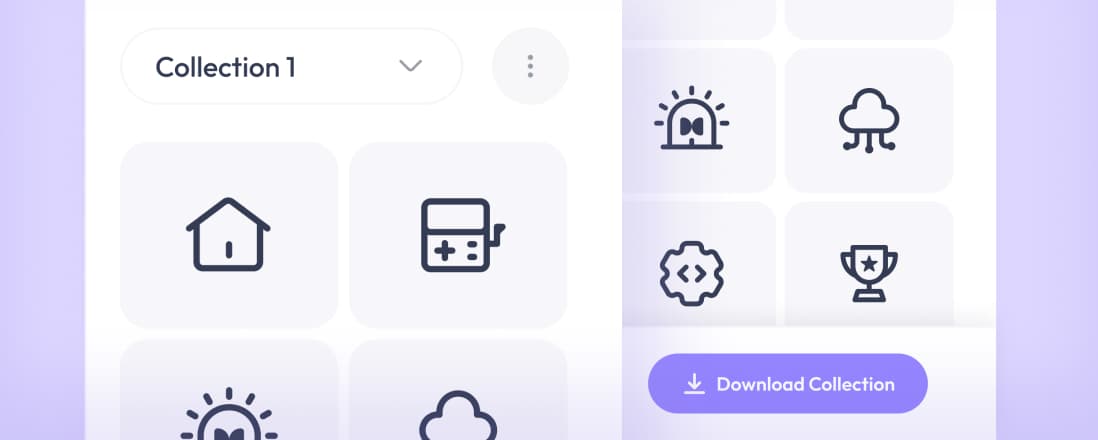
Create Reusable React Icon Sets
Save icons to named collections, add to them as the project grows, and download an entire collection as a single file.
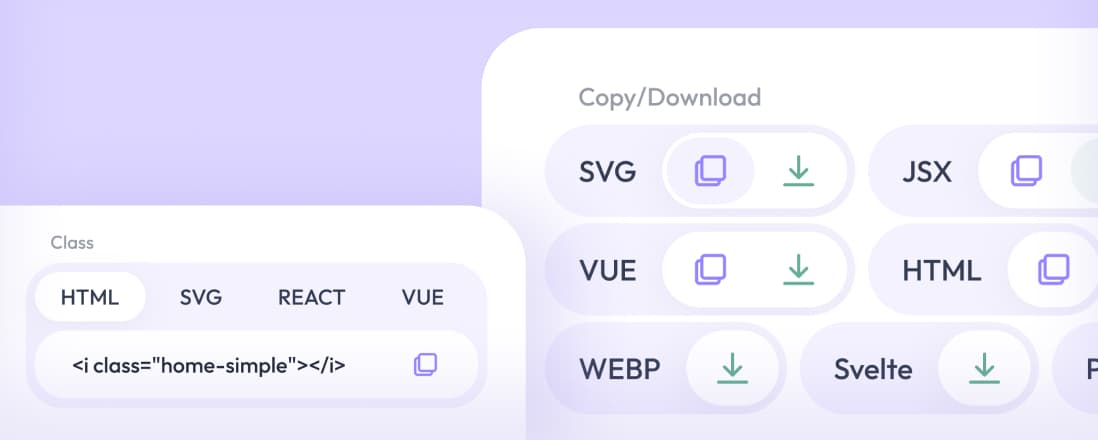
Copy in the Format You Need
Copy any icon as JSX, TSX, SVG, or HTML, or download the file. The same icon, in whichever format your project takes.
Pro Icons
Free Icons
Categories
Styles
In Your Preferred Formats


Add Lineicons to Your React Project
One npm command adds the package to your project. Works with npm, yarn, and pnpm, in Create React App, Vite, and Next.js.
Icons Are Components, Not Font Files
Import each icon by name and place it in your JSX like any other component. No icon font, no sprite sheet, no SVG file to load.

One Icon, Every Size and Color You Need
Pass size, color, strokeWidth, and style as props. Use currentColor to inherit text color, so icons follow your theme in dark mode.
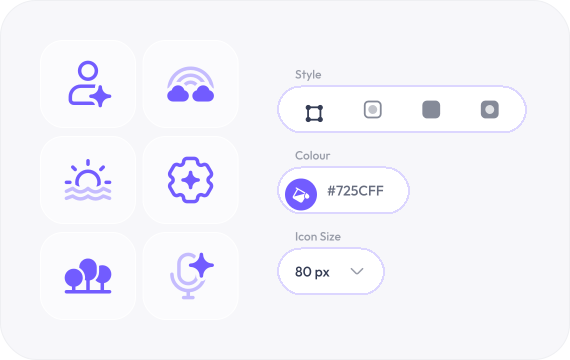
Five Icon Styles for Every State in Your React Projects
Switch between five styles with a single React prop, so that a single design system can use stroke for navigation, solid for active states, and duotone for empty states.
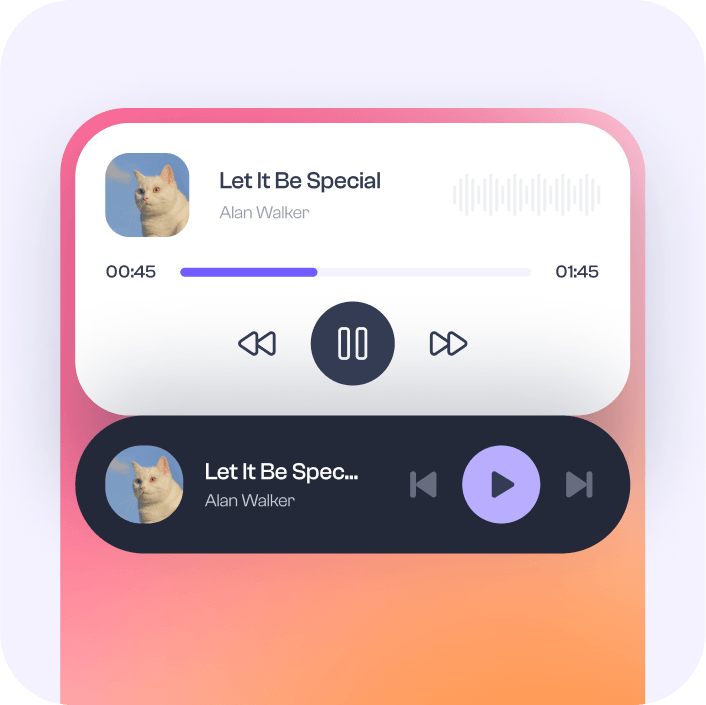
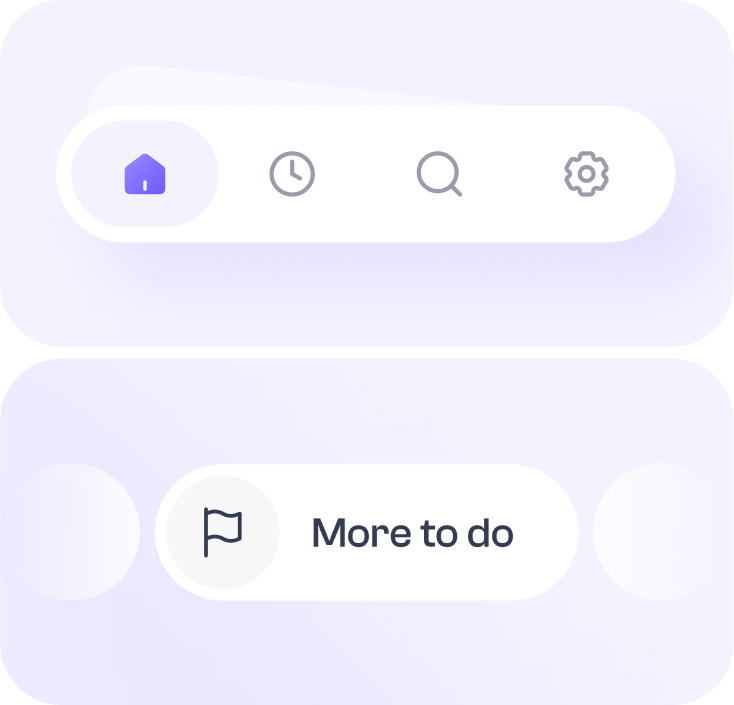
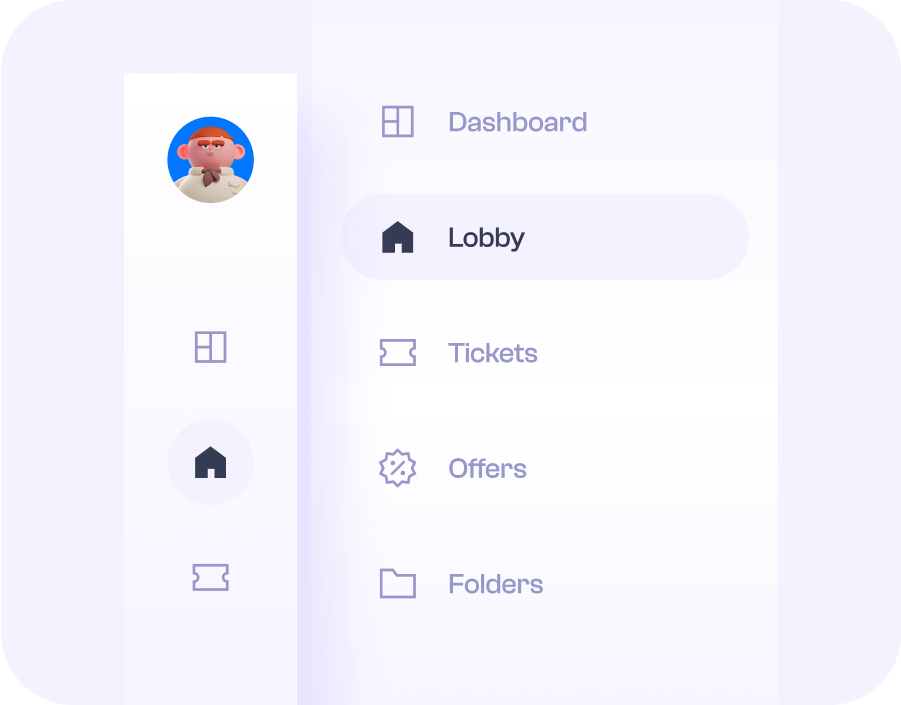
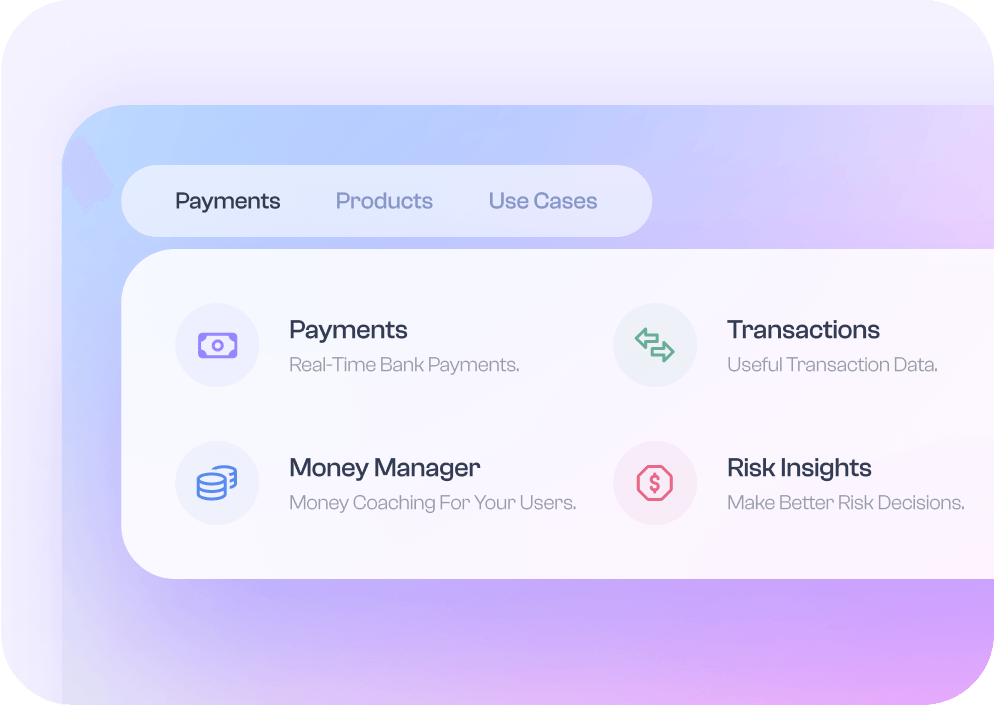
This Is How Your Interface Will Glow With Lineicons React




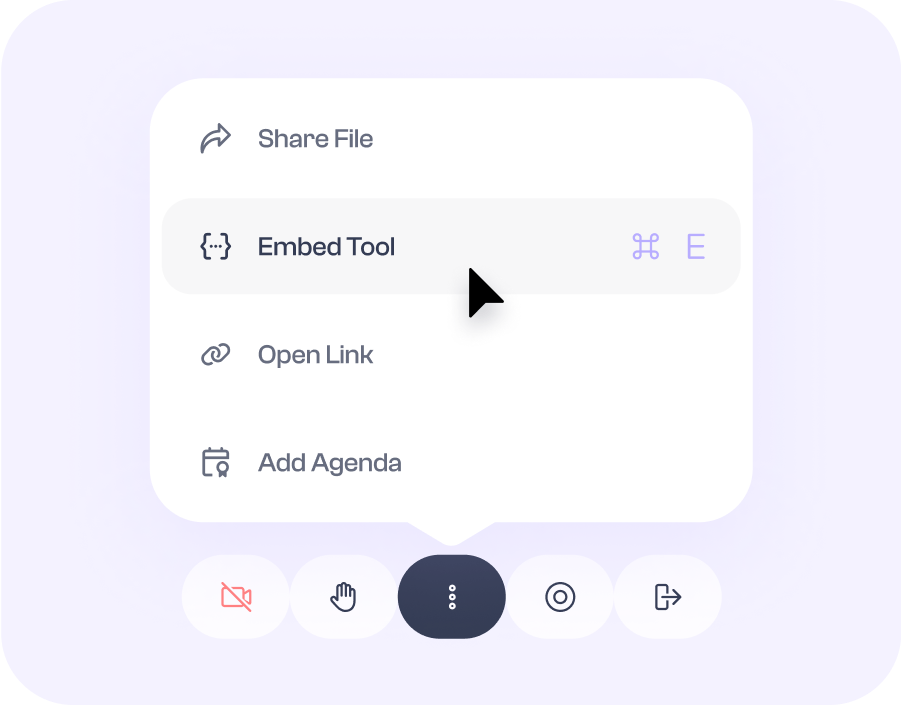

Start Free And Scale With Pro
Free tier provides CDN access to 2,299 icons - no sign-up or credit card required. Upgrade to Pro to unlock the full library and advanced features.
Lineicons Free
Free Forever With Essential Icons
- 2299+ Free Essential Icons
- Line and Solid Icon Styles
- Free Icon Font CDN
- Web Fonts, SVG, PNG and React Files
- Figma Plugin
- NPM Packages and Integrations
- Figma Design Source Files
- Duotone Icons
- Bulk Icons
- Collection Management
- Invite Team Members
- Attribution is Appreciated, Not Required
- Community Support
Choose Between Free and Premium React Icons
Both tiers ship the same React components and all five styles. Start free today, then upgrade when your project outgrows it.
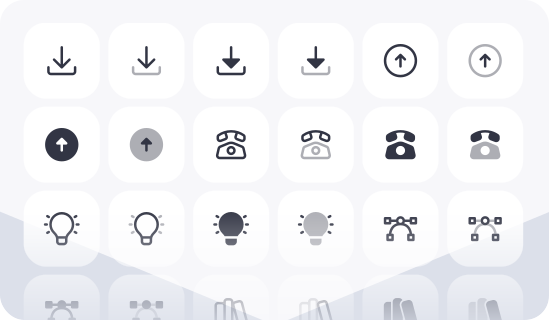
2,299+ free React icons in all styles
Ship them in client work and commercial products under the MIT license. No sign-up and no attribution.
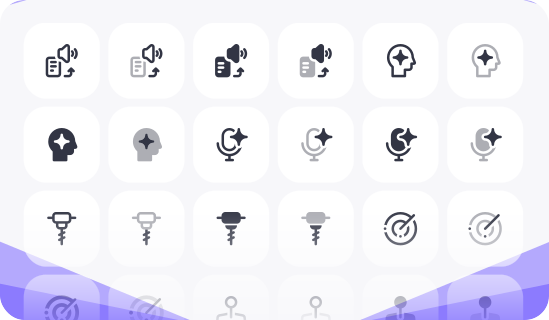
The full 31,204+ icon library
Unlock every category, plus brand and social icons, and Pro CDN access. Pay once, keep the icons, skip the yearly renewal.

Sergei Rednev
Product manager

Marko Denic
Developer Advocate & Software Engineer

Hossein Yazdi
Founder of WebCurate.co

Ryzal Yusoff
Founder, Reader Mode

Xi.Z
Ex Senior Director at OnePlus

Grady Jin
AI Product Manager

Matthew Pierce
Founder, PanelJam

Kay Kwak
Chief Strategy Officer at Arkain

Tanbir Ahmed
UI/UX Designer

K. Karnik
UX Designer, MyOptimity

Justin Bao
Building the AI-native Email - Filo

Fajar Siddiq
Serial Entrepreneur, Singapore

Imran khan
Founder at WPBean
Frequently Asked Questions
Everything developers ask before choosing a React icon library. Need more help? Contact us directly.
npm install @lineiconshq/react-lineicons @lineiconshq/free-icons. Then import icons as React components with size, color, and strokeWidth props. No wrappers and no CSS imports. React Native uses a separate package, covered on the React Native page.size and color as props on the component: <Home2Outlined size={20} color="#725CFF" />. For outlined icons, control weight with strokeWidth. Set the color to currentColor, and the icon inherits the surrounding text color, including in dark mode.@types package.<link> tag, which is suitable for prototypes and pages with no build step. For React apps, npm gives you tree-shaking and type definitions.Still Have questions or need help choosing a plan?
Contact Us
We Offer Great Value
Plans for Every Need
Unlock exclusive tools and benefits for a premium experience.
31,204 Premium Icons - All Yours!
Multiple projects, multiple collections.
14 icon styles, covers everything.
Pro CDN Access.
60 icons categories.
Installation via package managers.
Unlocked customization controls.
Lineicons premium license & more.
Super handy figma plugin.
Available in SVG, Figma, React & More.