6 min read
12 Aug 2026
7+ Best Vue Icon Libraries for 2026
Icons help make your website stunning and stand out. They make the UI intuitive and offer a better user experience. However, finding a good Vue icon library can be a real hassle. For this reason, developers now rely on the best icon libraries for Vue.js.
The icon libraries for Vue enable the rapid development of a professional UI. They also save a lot of time and effort. The libraries integrate with popular frameworks and support various formats, making the project look and perform better.
In this blog, we will share the top 7 Vue icon libraries for 2026. We checked every icon count, license, and install command against each project’s official site or repository in August 2026. Where a library has changed its license or stopped shipping updates, we say so.
What Makes a Vue Icon Library Good?
A good Vue icon library helps developers build amazing interfaces. The libraries not only provide a wide range of icons but also categories and styles. Thus, you can maintain consistency and build stunning Vue projects. Here are some key factors that make an icon library for Vue.js good:
- High-quality Icons: Good Vue icon libraries draw every icon to one specification. The same grid, the same stroke width, the same corner radius. That consistency is what makes icons sit well alongside any UI components.
- Easy Integration: The library integrates smoothly with Vue.js. Look for real Vue components you can import directly, rather than raw SVG files you paste by hand.
- Customization: Additionally, the icon libraries allow you to customize the icons as you want. All the icons are also flexible. You can easily change the size, stroke, and color through props or CSS.
- Performance-optimized: The icons are also well-optimized and lightweight. Tree-shaking matters most here, since it means your build ships only the icons you import rather than the whole set.
- Clear licensing: MIT, Apache 2.0, and ISC all allow commercial use with no attribution. Some libraries ask for credit or have recently changed their terms, so check the license before you ship.
Top Icon Libraries for Vue.js
We created a list of the top 7 icon libraries for Vue.js projects. So, you can just cast your eyes over the list and pick the best library for your next projects.
Lineicons
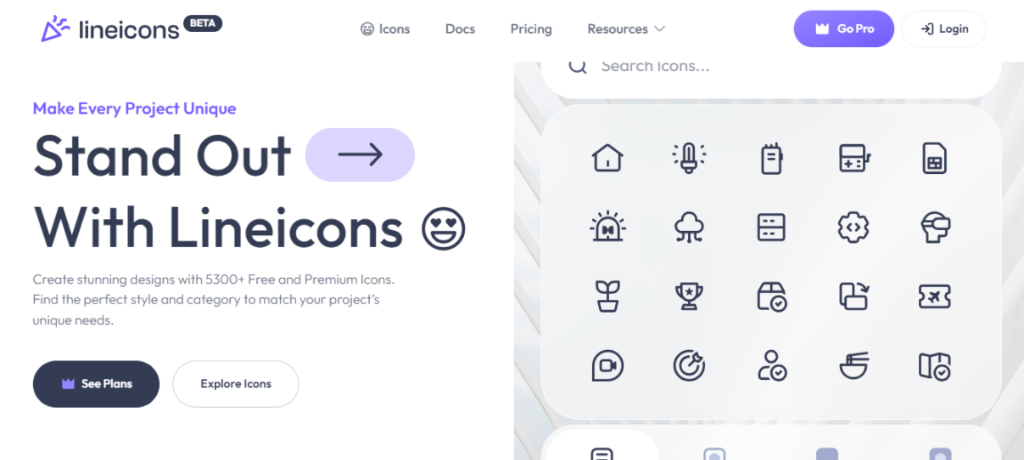
Lineicons is an icon library built for Vue.js, React, and Svelte projects. Version 5.1 shipped in February 2026. The library offers 27,988+ icons, including 4,000+ free icons under the MIT license. It includes 10 styles across 60+ categories.
Every icon sits on a 24×24 grid with matching stroke width and corner radius. That consistency is what lets you mix icons from different categories without them looking mismatched.
The Vue icon library supports various formats, making your development process easier. You can import icons in SVG, PNG, JSX, TSX, web fonts, Figma, and other formats. It works with Vue, React, Svelte, and other popular frameworks.
Key Metrics
- Number of icons: 27,988+ (4,000+ free)
- Styles: 10, including outlined, rounded, sharp, solid, bulk, and duo-tone
- Integrations: Vue, React, Svelte, Figma, Web
- Formats: SVG, PNG, JSX, TSX, Figma, HTML
- License: MIT for the free tier, no attribution required
- NPM install: npm install @lineiconshq/vue-lineicons @lineiconshq/free-icons
- Latest version: 5.1
- Github Repo: LineiconsHQ/Lineicons
If you’re also working with other frameworks, check our top React icon libraries for 2026 and the best Next.js icon libraries.
PrimeIcons
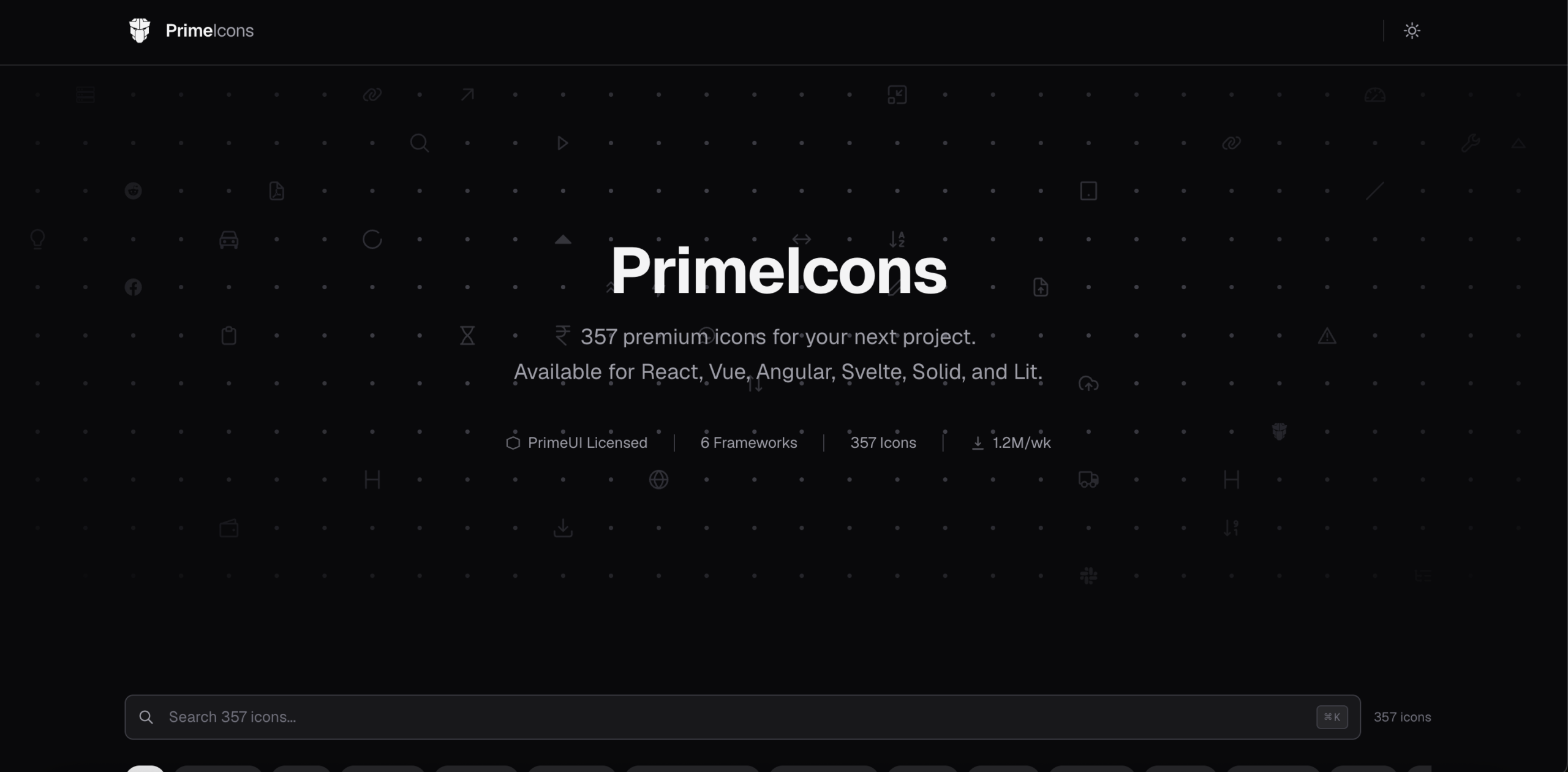
PrimeIcons is the default icon set for PrimeVue, built by PrimeTek. It holds 357 icons across 16 categories. The largest are Arrows (63), Misc (48), Status (37), UI (33), and Editing (32).
You load it as a CSS stylesheet, then place icons with the pi pi-{icon} class. Size follows font-size, and color inherits from the parent element. A pi-spin class adds infinite rotation, which is useful for loading states.
PrimeIcons also ships a Constants API, so you can reference icons programmatically when building menus. The set is available in the Figma community for designers.
Key Metrics
- Number of icons: 357 across 16 categories
- Integrations: Vue, React, Angular, Svelte, Solid, Lit
- Formats: Icon font (WOFF, WOFF2, TTF) and SVG
- License: PrimeUI License. Releases published under MIT stay MIT
- NPM install:
npm install primeicons - Github Repo: primefaces/primeicons (archived June 2026)
Worth knowing: the repository was archived in June 2026 when development moved to PrimeUI. PrimeTek confirmed that existing MIT releases stay MIT permanently, so projects already using them are unaffected. New releases carry the PrimeUI License.
Vue Heroicons
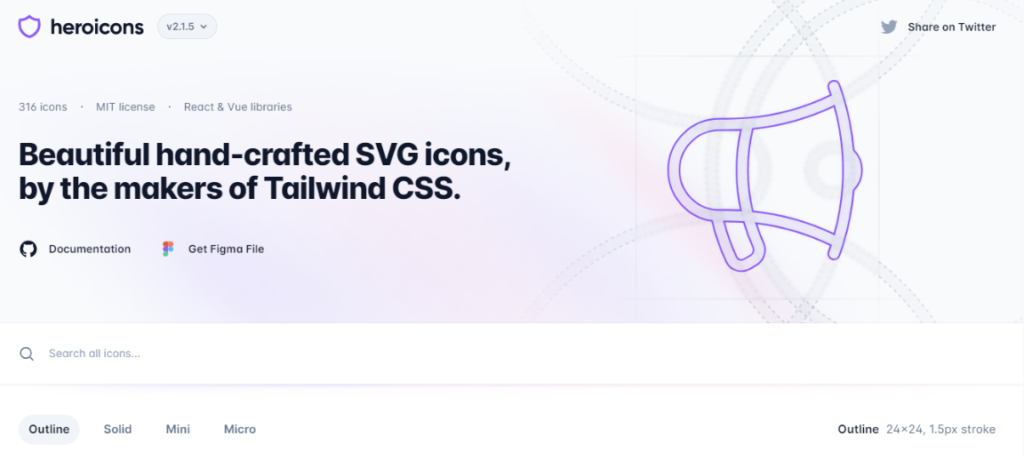
Heroicons comes from the Tailwind CSS team. It includes 316 icons under the MIT license and an official Vue package. The set has two styles, outline and solid, across four sizes: 24px outline, 24px solid, 20px solid (Mini), and 16px solid (Micro).
You change icon color with the CSS color property. That works whether or not your project uses Tailwind. Each icon imports from a size-specific path, such as @heroicons/vue/24/solid.
Key Metrics
- Number of icons: 316
- Styles: Outline and solid, in 16px, 20px, and 24px sizes
- Integrations: Vue and React, both official packages
- Formats: SVG and Vue components
- License: MIT, no attribution required
- NPM install:
npm install @heroicons/vue - Github Repo: tailwindlabs/heroicons
Worth knowing: Tailwind Labs accepts only bug fixes. Their contributing guide says they will not add new icons or support other frameworks.
Vue Unicons
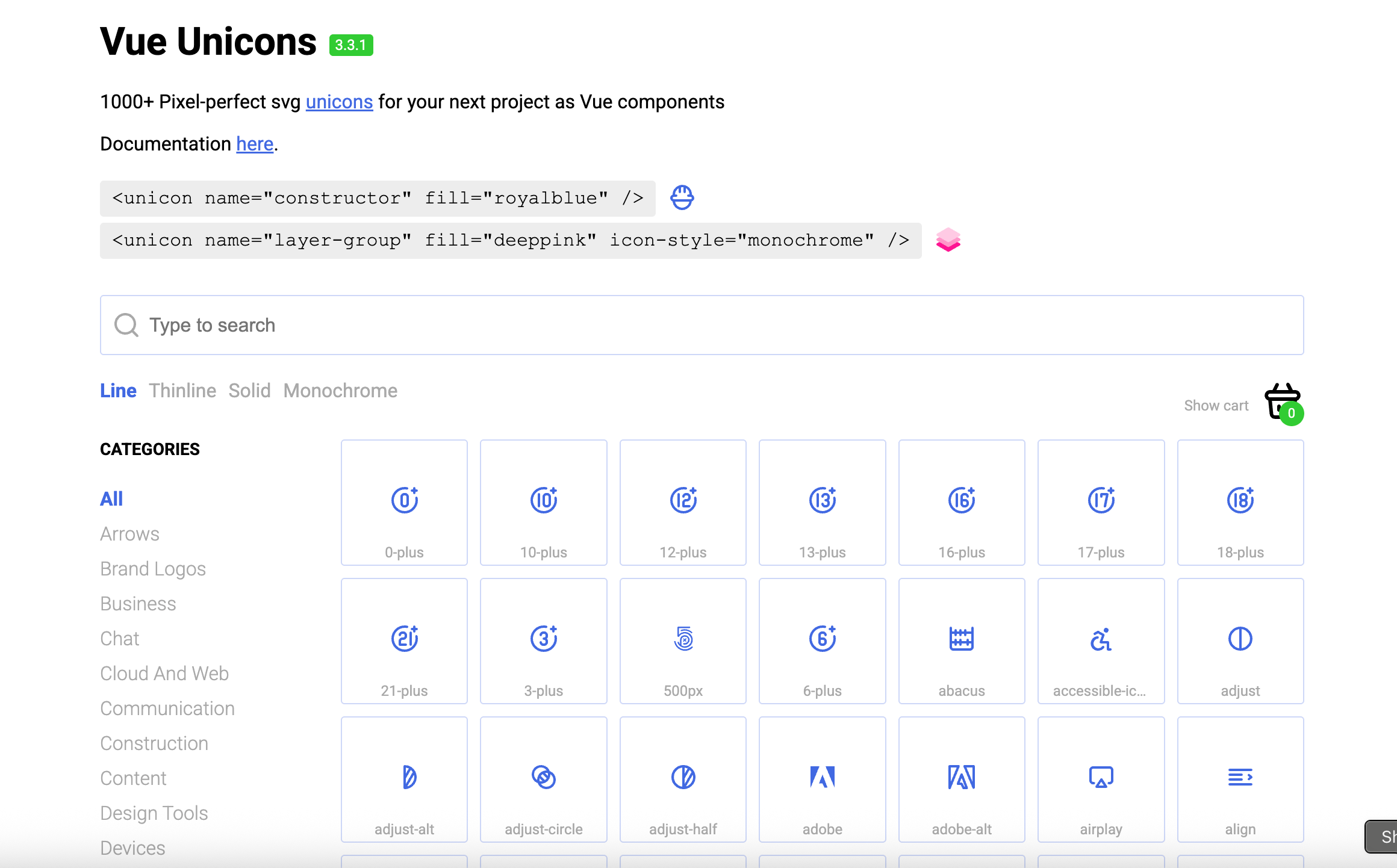
Vue Unicons is another popular icon library for Vue. It offers 1,000+ SVG icons as Vue components. The icons come from Iconscout’s Unicons set and are free to use.
You register only the icons you need, which keeps the bundle small.
Key Metrics
- Number of icons: 1,000+
- Integrations: Vue 2 and Vue 3
- Formats: SVG and Vue components
- License: MIT, no attribution required
- Latest version: 3.3.1
- NPM install:
npm i vue-unicons - Github Repo: antonreshetov/vue-unicons
Worth knowing: the last release was v3.3.1 in November 2021. The package still works with Vue 2 and Vue 3. For a maintained alternative from the same source, Iconscout ships an official @iconscout/vue-unicons package.
CoreUI Icons
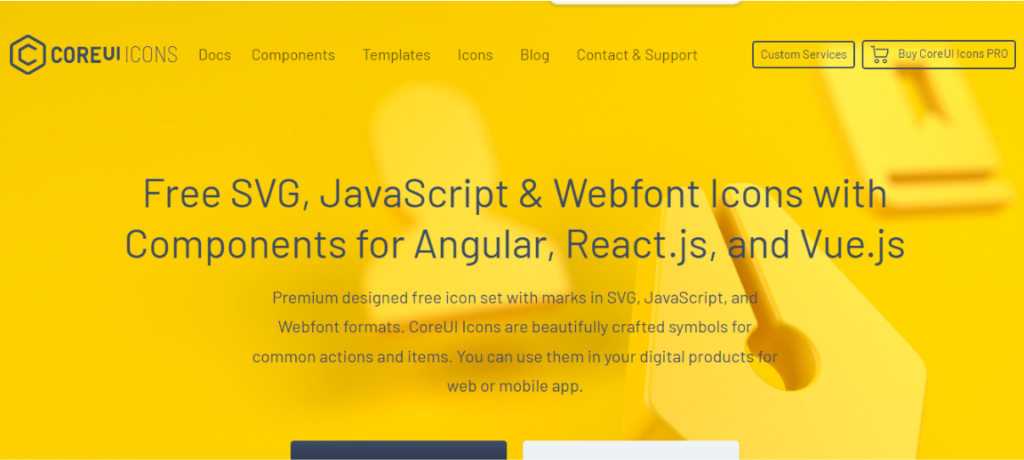
CoreUI icons are another great resource for Vue icons. The library provides 1,500+ free icons to make stunning websites and applications. All the icons are available in Vue, React, HTML, and Angular. Additionally, the library supports multiple formats, including SVG, PNG, and web fonts. You can easily find symbols and common action icons to add to your next Vue.js projects.
The set ships as three separate stylesheets: free, brand, and flag. The brand stylesheet includes social and payment logos, which many minimal icon sets omit.
Key Metrics
- Number of icons: 1,500+ free, plus 2,000+ in the Pro tier
- Integrations: React, Vue, HTML, and Angular
- Formats: SVG, PNG, and Webfonts
- License: CC BY 4.0 for SVG and JS files, SIL OFL for fonts, MIT for the rest
- NPM install:
npm install @coreui/icons @coreui/icons-vue - Github Repo: coreui/coreui-icons
Worth knowing: the CC BY 4.0 part requires attribution. If you need icons without attribution, our roundup of free Font Awesome alternatives includes libraries that don’t require attribution.
Vue Feather
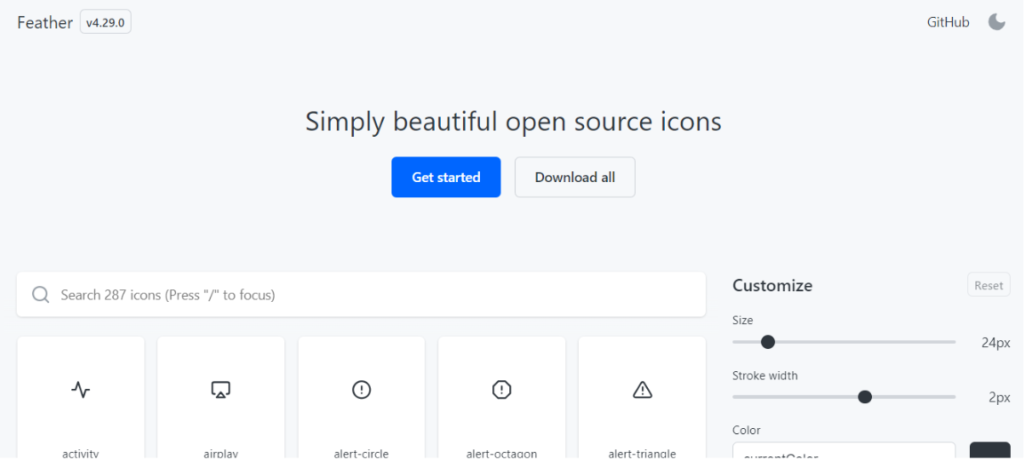
Another simple, minimal icon library for Vue is Vue Feather. The icons are simple, beautiful, and open-source. The library lets developers use the icons as Vue functional components.
Feather holds 287 icons on a 24×24 grid with a 2px stroke. Every icon uses the same stroke width and corner radius, so nothing looks out of place next to anything else.
Icons size themselves from the parent element’s font size by default. You can override this with a size attribute, either as a multiple like 1.5x or a pixel value like 25. The package supports tree-shaking, so your build includes only the icons you import.
Key Metrics
- Number of icons: 287
- Grid: 24×24 with a 2px stroke
- Integrations: Vue 2
- Formats: SVG and Vue components
- License: MIT, no attribution required
- NPM install:
npm install vue-feather-icons - Github Repo: egoist/vue-feather-icons
Worth knowing: this package supports Vue 2 only. For Vue 3 projects, switch to Lucide, which is a maintained fork of Feather with 1,768 icons.
Vue Material Design Icons
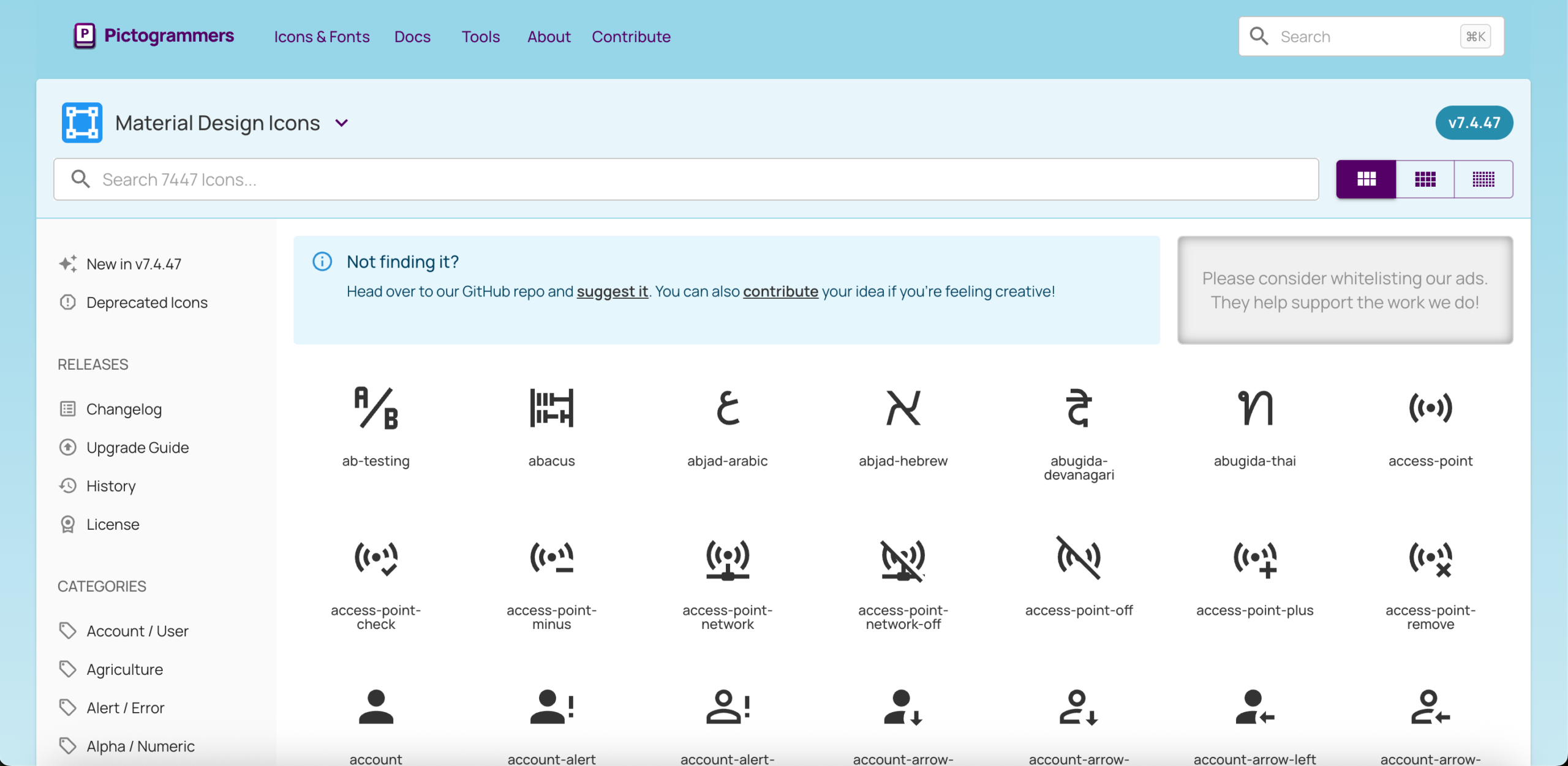
Vue Material Design Icons is another great library for Vue projects. You get all the icons from the Material Design Icons project, packaged as Vue single-file components. The icons are simple, lightweight, and fit any project. The documentation is clear, so you can find icons and add them quickly.
The set holds 7,447 icons, all free under the Apache 2.0 license. Icon files use Pascal case, so checkbox-marked-circle imports as CheckboxMarkedCircle.vue.
An optional stylesheet makes icons scale with the surrounding text. You can also set the size with a size prop or your own CSS.
Key Metrics
- Number of icons: 7,447, all free
- Integrations: Vue 2 and Vue 3
- Formats: SVG and Vue single-file components
- License: Apache 2.0, no attribution required
- Latest version: 5.3.1
- NPM install:
npm install vue-material-design-icons - Github Repo: robcresswell/vue-material-design-icons
Worth knowing: icons without a title prop are hidden from screen readers by default. That is intentional, and it stops decorative icons from cluttering screen reader output. Add a title to any icon that carries meaning.
Final words
Your choice depends on what your project already uses. If you build with PrimeVue or Tailwind, the matching icon set saves setup time.
Starting fresh? Three libraries here ship official Vue packages: Heroicons, PrimeIcons, and Lineicons. The rest are community wrappers around icon sets built for other frameworks. Lineicons offers the widest style range at 10, across SVG, PNG, JSX, and other formats.
Check the license before you ship commercial work. Three libraries here carry conditions worth reading. CoreUI requires attribution on some files. PrimeIcons moved off MIT in 2026. Vue Unicons has not shipped a release since 2021.
Working with React or Next.js? See our top React icon libraries and best Next.js icon libraries for 2026.
Recommended
19 Oct 2026
Designers, are you tired of searching for an open-source icon library that perfectly fits your project? Or you may need icons with speci
10 Aug 2026
Icons are arguably among the most crucial elements of a graphical user interface. They communicate a whole idea through a single image.