10 min read
11 Aug 2026
12 Best Free FontAwesome Alternatives in 2026
Icon fonts have become extremely popular in recent times for several reasons. They scale really nicely and increase in size with enhanced quality, as compared to raster images. In addition to that, since the font icon is essentially text, you can easily apply CSS to change its color and adjust the size. Those of you who are font icon enthusiasts would know that they come with a plethora of advantages.
To begin with, their performance and aesthetics are phenomenal, as they look excellent even in displays with high pixel density.
Another massive benefit of these fonts is that you can change the size of these icon fonts in a matter of minutes without any requirement for Photoshop or any other application.
It is also noteworthy that all CSS effects that are applicable to fonts, such as text shadows, can also be used for font icons. Moreover, they are extremely effective and efficient. In the same vein, they can help you avoid the generation of sprites so that you can position several-sized images manually with ease, thus saving a lot of time and effort.
Using the same set of icons for all designs can make your designs look uniform. But with all these advantages of icon fonts, we are sure that you could generate some amazing ones on your own.
Most people leave Font Awesome for one of two reasons: the free tier requires attribution, or the styles they want sit behind a $99 Pro subscription. Both have free solutions, covered below.
In this article, we share the 12 best free icon font alternatives to FontAwesome that you can find in 2026. You can choose to use the best ones at your convenience!
What is the current version of Font Awesome?
Font Awesome 7 is the current major release, with 7.3.1 as the latest patch.
Load it from CDNJS with one line:
<link href="https://cdnjs.cloudflare.com/ajax/libs/font-awesome/7.3.1/css/all.min.css" rel="stylesheet">| Version | Status |
|---|---|
| 7.x | Current release, actively developed |
| 6.x | Long-term support, critical bug fixes only |
| 5.x and earlier | End of life, no updates |
Recent 7.x releases added animation utilities such as fa-spin-snap and fa-float, plus the Mosaic and Slab Duo icon families.
Upgrading from version 4 or 5 means renaming classes across your project. Line Awesome, covered below, is a drop-in replacement for Font Awesome 5 that needs no class changes at all.
Free Alternatives to Font Awesome Pro
Font Awesome Pro costs about $99 a year. Most people pay for the styles rather than the icon count, because Thin, Light, Sharp, and Duotone are Pro-only. Each has a free equivalent.
| Font Awesome Pro feature | Free alternative | How it compares |
|---|---|---|
| Thin and Light styles | Phosphor Icons | Six weights free: thin, light, regular, bold, fill, duotone |
| Adjustable weight | Material Symbols | Variable font, weight 100 to 700 set through CSS |
| Adjustable stroke | Lucide | Stroke width is a property you set across all 1,600+ icons |
| Duotone style | Phosphor Icons | Duotone ships in the free set |
| Sharp style | Material Symbols | Sharp is one of three free variable fonts |
| Icon volume (25,000+) | Lineicons | 27,988+ icons, including 4,000+ free, in 10 styles |
No single pack replaces every Pro feature. Phosphor covers the weight range, Material Symbols covers variable control through CSS, and Lineicons covers volume across 10 styles. All three appear in our guide to the best free icon font packs.
12 Best Free Font Awesome Alternatives
Looking for fresh, free alternatives to Font Awesome in 2026? Here are the 12 best icon font libraries that can elevate your projects with versatility and style.
Lineicons
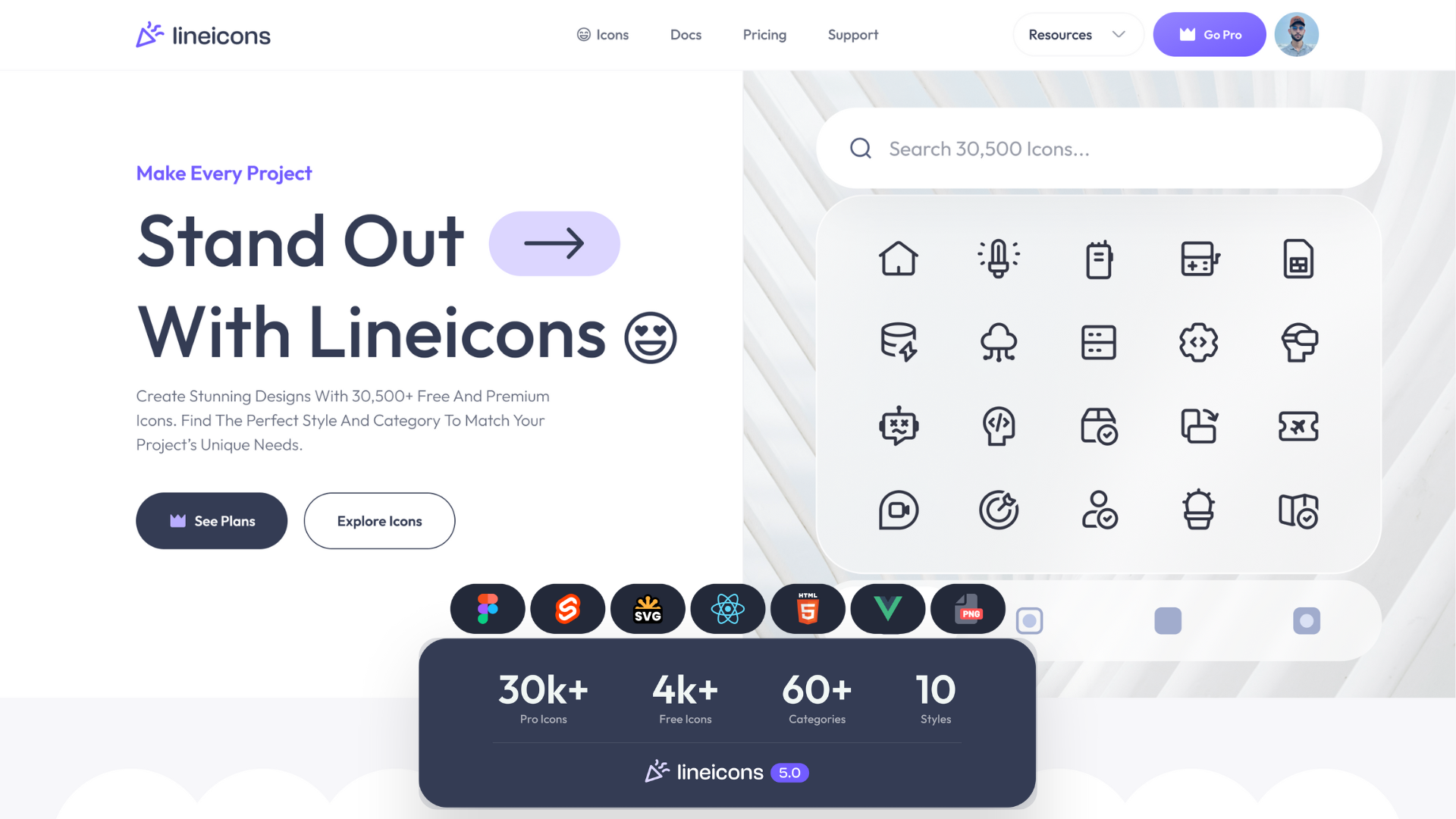
Lineicons is a top-tier alternative to Font Awesome. It offers an extensive collection of 27,988+ icons, including 4,000+ free icons, perfect for developers and designers alike. Whether you’re working on the web, mobile apps, or desktop interfaces, these handcrafted icons are versatile and ready to elevate any modern user interface.
With 10 unique icon styles, such as rounded, outlined, and duo-tone, Lineicons provides full flexibility. The icons are fully customizable and available in all major vector formats, such as SVG, JSX, TSX, Vue, Svelte, HTML, Base64 String, WEBP, and PNG, making them easy to integrate into any project.
Additionally, Lineicons offers seamless integration with frameworks like React, Vue, and Svelte, allowing you to use them effortlessly across various platforms. With continuous free updates, you can always stay ahead of the latest design trends. This comprehensive yet streamlined icon pack makes it a standout choice for anyone looking for quality and flexibility.
Add the icon font with one line:
<link href="https://cdn.lineicons.com/5.1/line/lineicons.css" rel="stylesheet">License: Free tier and Pro. No attribution required
TheNounProject

The Noun Project is another excellent pack of font icons to consider. This pack contains icons for practically everything imaginable. You can find more than 8 million curated icons in this pack, created by a global and culturally diverse community. All these icons are royalty-free, and you can easily incorporate them into your workflow.
Moreover, it also allows you to customize your favorite icons for an ideal fit. The best thing about this pack of icons is that it offers the most diverse assortment ever. Hence, you can choose one according to your needs and preferences. You can download more than 8 million icons in SVG and PNG formats for free.
However, you need to pay per icon to use it without attribution, or opt for a monthly subscription that includes other services such as unlimited licenses, an ad-free site, multiple custom favorites boards, and more.
License: Free downloads require attribution. Paid plans remove it
Material Design Icons (Pictogrammers)

Material Design Icons also boasts a growing collection of icons for developers and designers. These icons can help them target multiple platforms and download icons in the color, size, and format required for a specific project. Material Design Icons make it effortless for designers to begin and choose from a vast range of font icons.
This pack includes more than 7,000 font icons, meaning there is something for everyone. The libraries are well-organized and completely open source, so you don’t have to worry about anything and can focus solely on your designs.
Note that this is the community-maintained Pictogrammers project, which is separate from Google’s own set. Google renamed its official library to Material Symbols, which ships as three variable fonts under Apache 2.0.
License: Apache 2.0. No attribution required
Flaticon
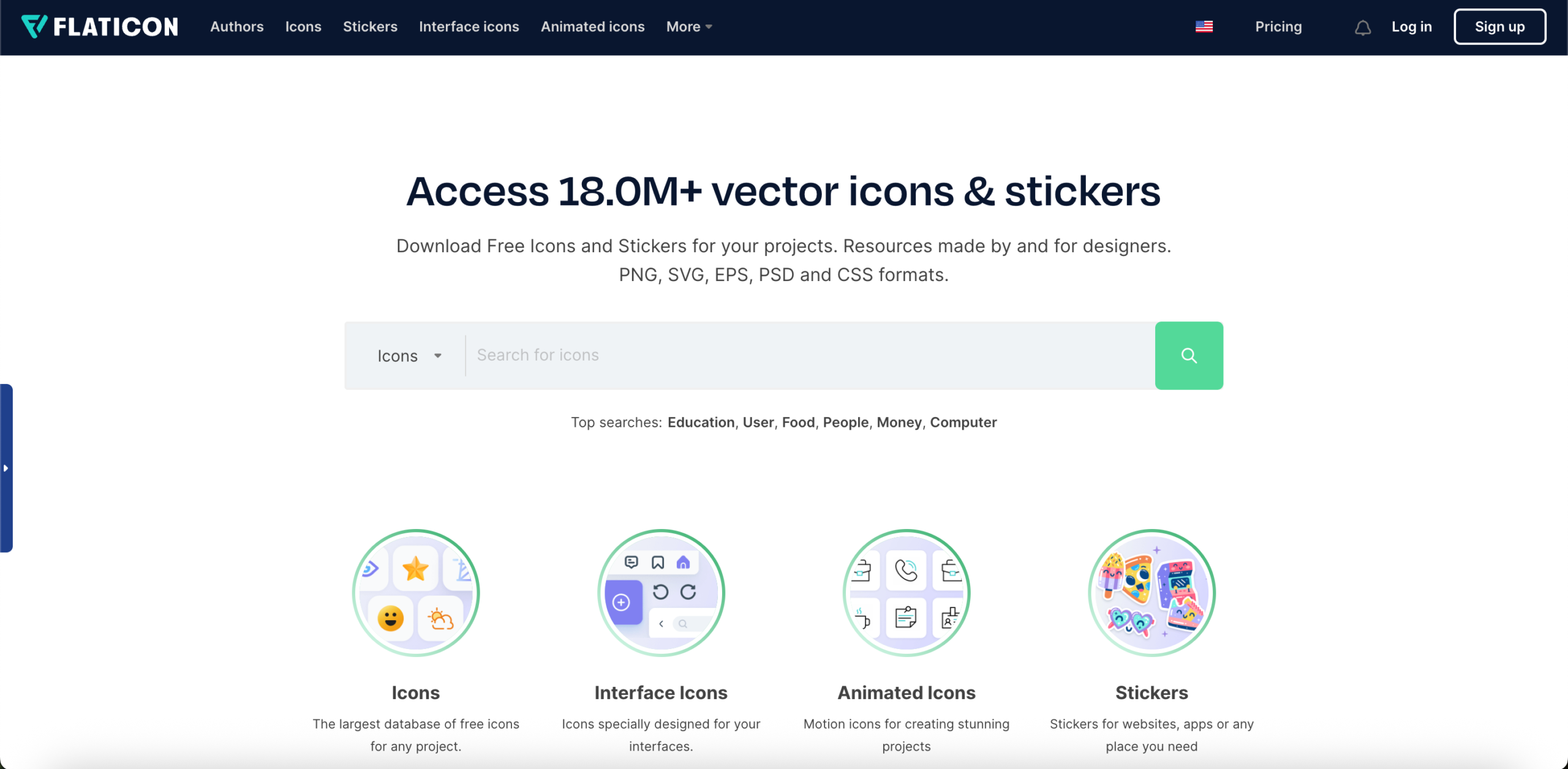
We cannot really make a list of the top 12 font alternatives without mentioning Flaticon. With Flaticon, you can access more than 14 million vector icons and stickers for your projects. It can easily be regarded as the biggest database for free font icons. In addition, it is available in SVG, PSD, EPS, and Base64 formats.
Apart from the monthly featured packs, you can also look for icons in their lists of trending packs, popular styles, and more. The Icon Editor allows you to customize your favorite icons to suit your preferences.
If Flaticon’s attribution terms do not suit your project, see our roundup of Flaticon alternatives.
License: Free downloads require attribution. Premium plans remove it
Lucide
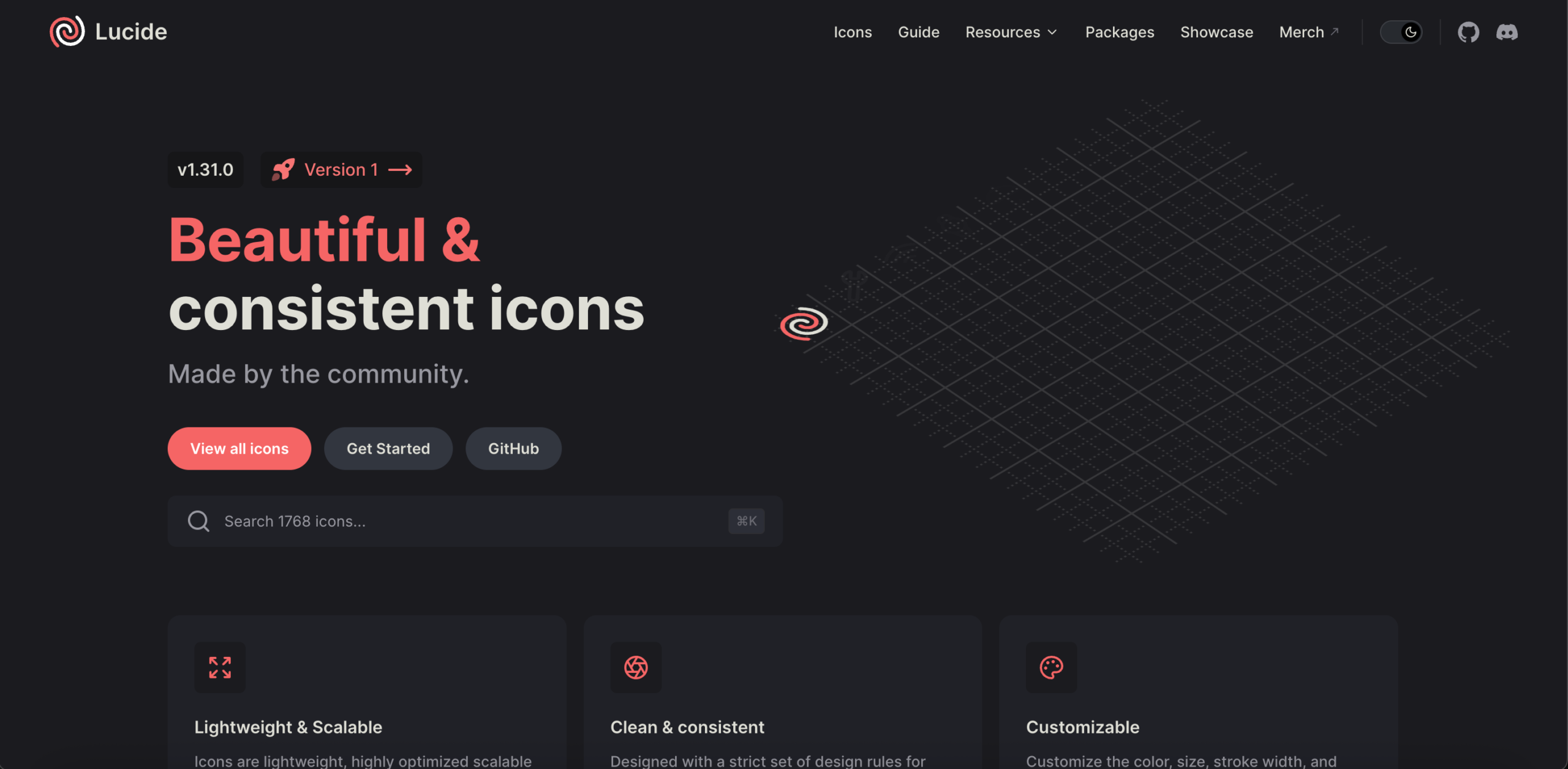
Lucide is a community-maintained fork of Feather Icons, now over 1,600 icons, while keeping the original clean stroke style. Where Feather has slowed, Lucide ships regular updates.
The library is tree-shakable, so your build includes only the icons you import. A project using 20 icons ships 20 icons, not 1,600. Official packages cover React, Vue, Svelte, Angular, and Solid, making them common defaults in modern frontend projects.
Two limitations matter if you are moving from Font Awesome. Lucide deprecated its brand icons, so social platform and payment provider logos are no longer included. It also ships SVG only, with no official web font, meaning class-name markup like <i class="fa-solid fa-user"> will not translate directly.
For social icons alongside Lucide, you will need a second source. Simple Icons covers brand logos specifically. Libraries such as Lineicons and CoreUI include social and brand icons in a single set, avoiding the need to run two libraries.
License: ISC. No attribution required
Feather Icons
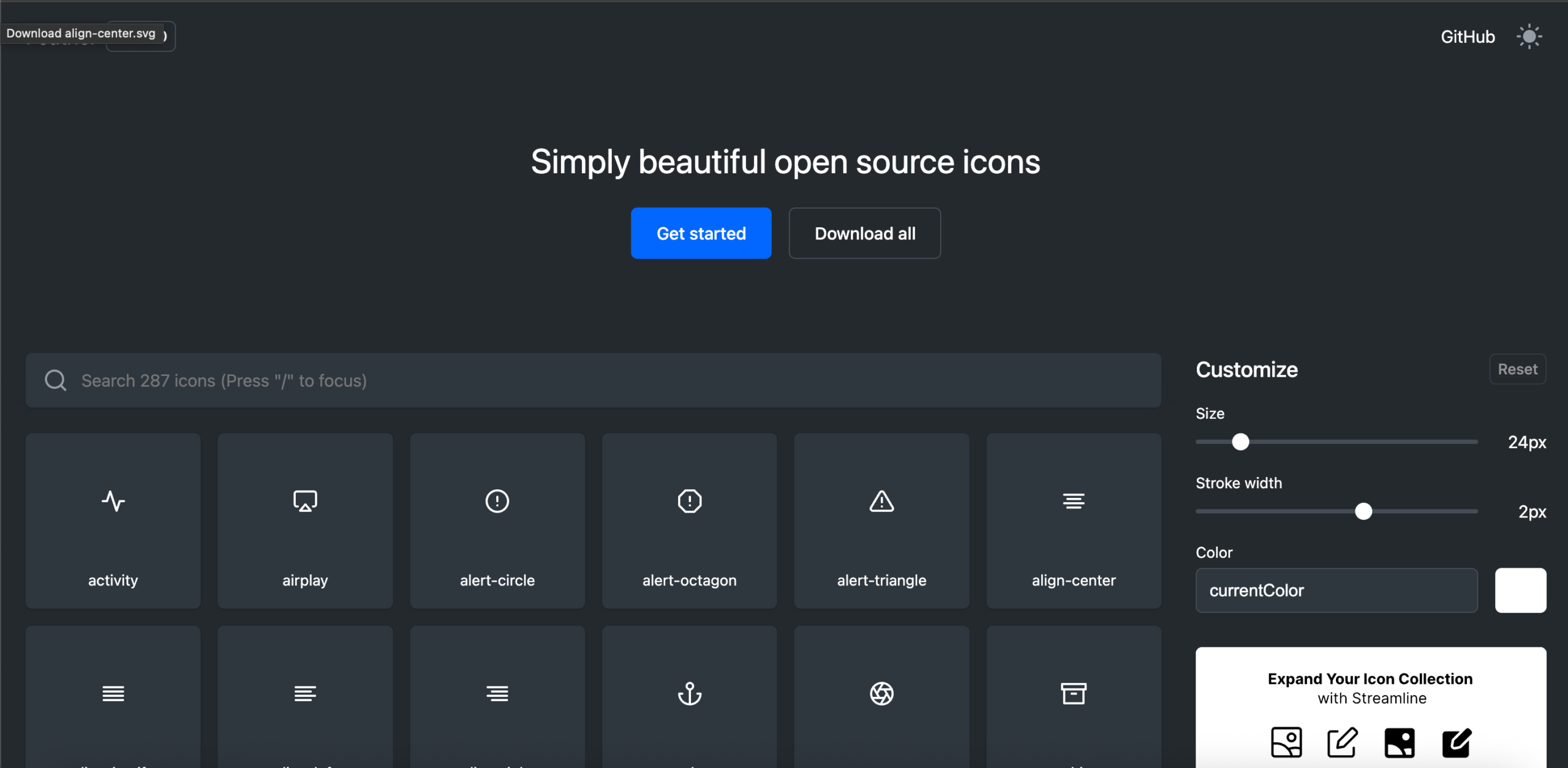
Feather Icons is a pack of icons that are simply beautiful. These open-source icons can be easily customized in terms of size, color, and stroke width.
The set holds 287 icons on a 24×24 grid with a 2px stroke. Every icon uses the same stroke width and corner radius, so nothing looks out of place beside anything else. It is quite straightforward to get started, and developers as well as designers can use them easily across diverse projects.
Feather ships SVG only, with no official web font. Development has slowed, and Lucide now carries the project forward with over 1,600 icons in the same style.
License: MIT. No attribution required
Streamline Icons
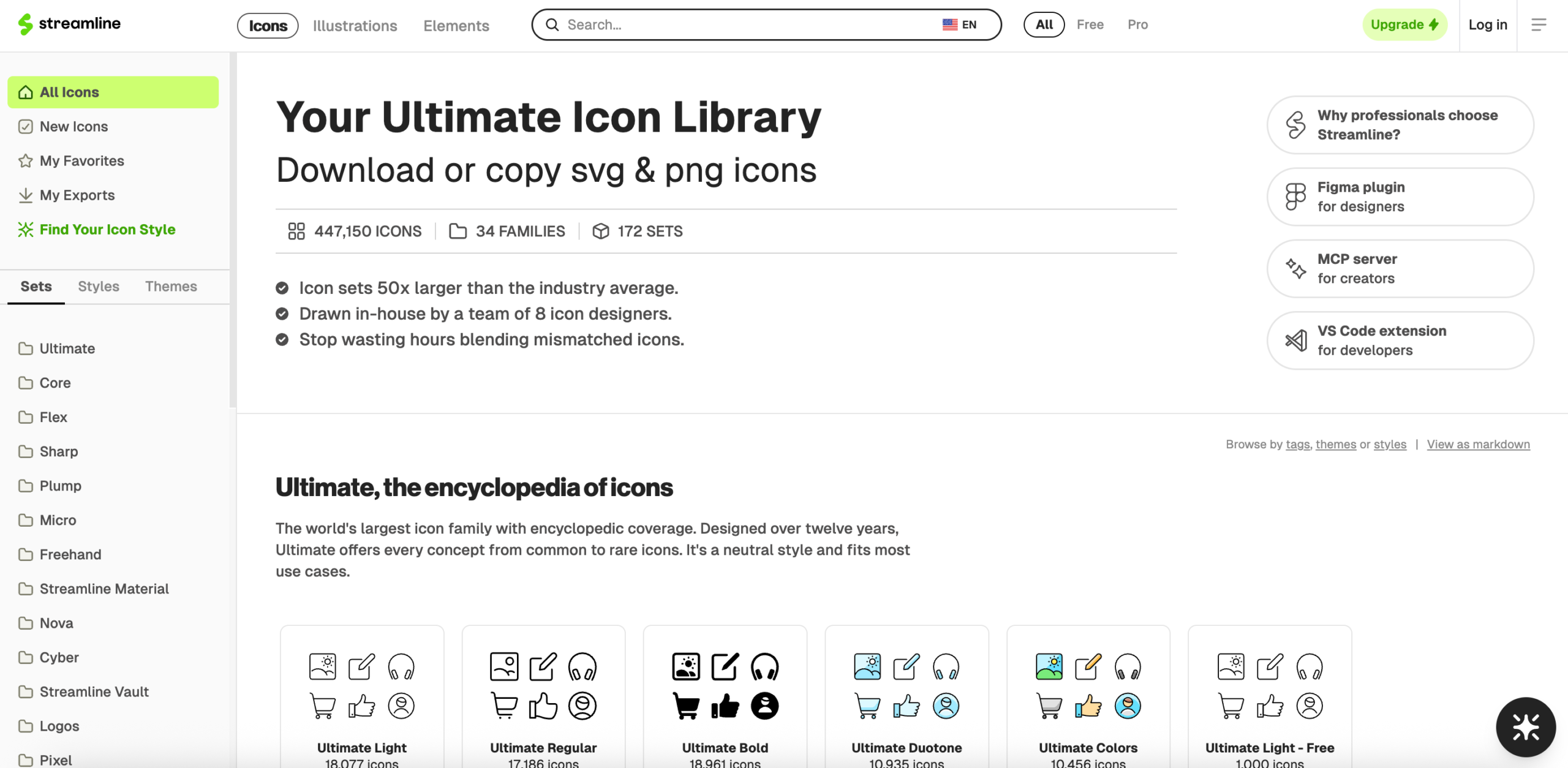
With Streamline, you can customize a very large library of vector graphics in no time. Streamline is one of the largest icon marketplaces in the world and comes with distinct weights. A free tier is available, and Streamline makes it easy to find the right icon within seconds.
The scale is the appeal and also the difficulty, since searching across that many families takes longer than browsing a set of 300.
License: Free tier and paid plans
Linearicons
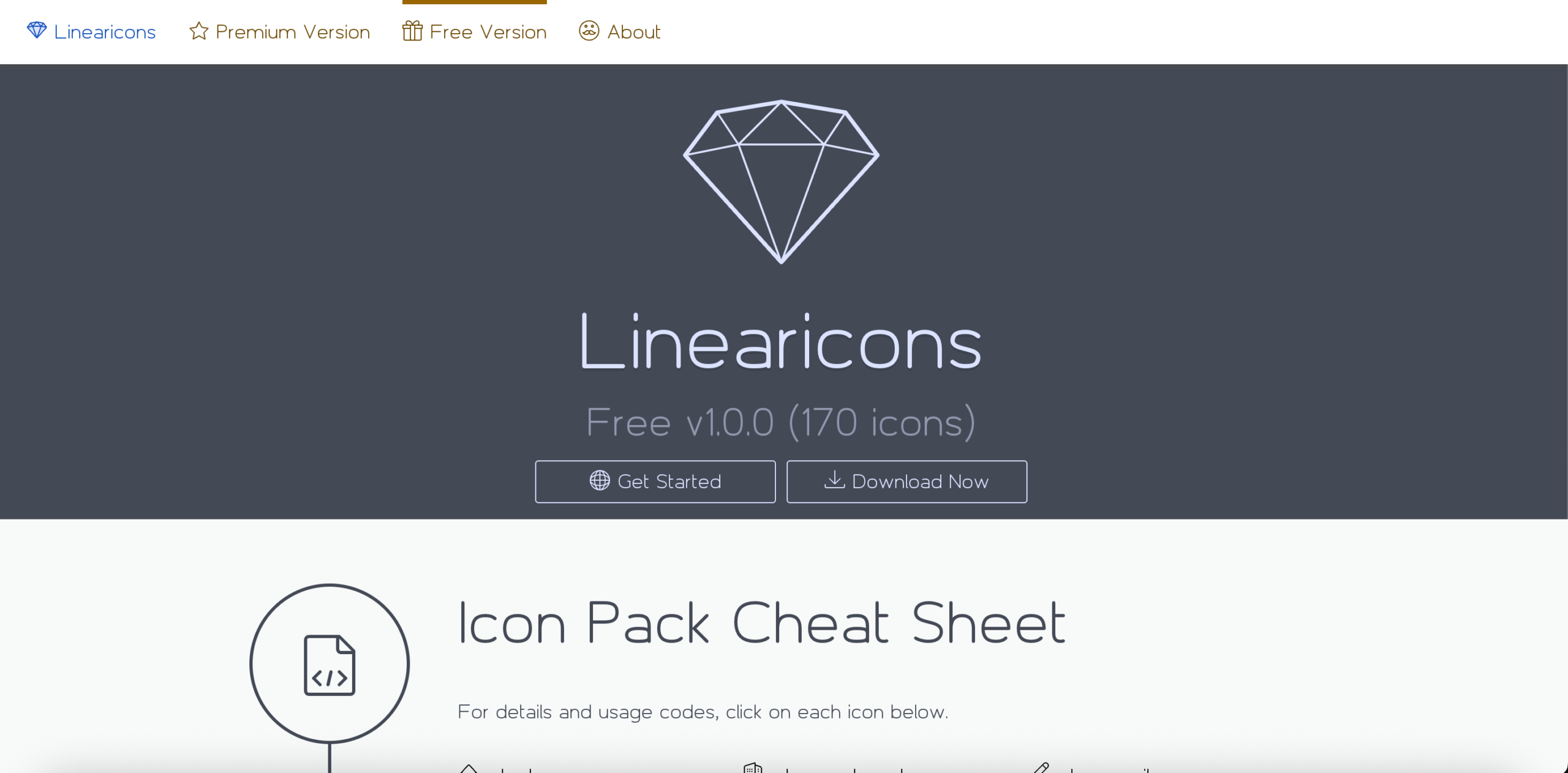
Linearicons are ultra-crisp line icons that come with a lot of integrity. You can expect 1,001 vector icons, a 14-day refund policy, and a wide variety. The Linearicons icon pack offers line icons in various sizes, including 20px and 40px. They have all been carefully handcrafted for designers and developers on a pixel grid measuring 20 x 20, which is smaller than the 24px grid most sets use and produces a tighter, more compact appearance. Each line icon has been designed to be consistent with the remaining icons in the set.
Furthermore, the icons come in a number of vector and raster formats, such as SVG, PNG, EPS, CSH, and PSD. All icons are thoroughly tested on high PPI screens as well as standard screens. If you decide to use this icon pack, you can make your own customized icon fonts with the help of the IcoMoon application. It helps in optimizing your files and space for your project. They also offer loyalty benefits to their customers and give you all future updates for free.
License: Free tier and paid packages
Unicons

Unicons is Iconscout’s icon library. The open-source core set holds 1,215 icons under Apache 2.0, spanning categories from arrows and business to medical, shopping, and weather. Iconscout’s wider Unicons collection advertises 7,000+ assets including SVGs, 3D icons, animated icons, and icon fonts, though the larger set sits behind their plans.
Icons come in line, solid, and monochrome styles. Official packages exist for React, Vue, React Native, and Flutter, and the Icondrop plugin brings them into Sketch, Adobe XD, and Illustrator.
License: Apache 2.0 for the open-source set. Wider library follows Iconscout’s terms
NucleoApp
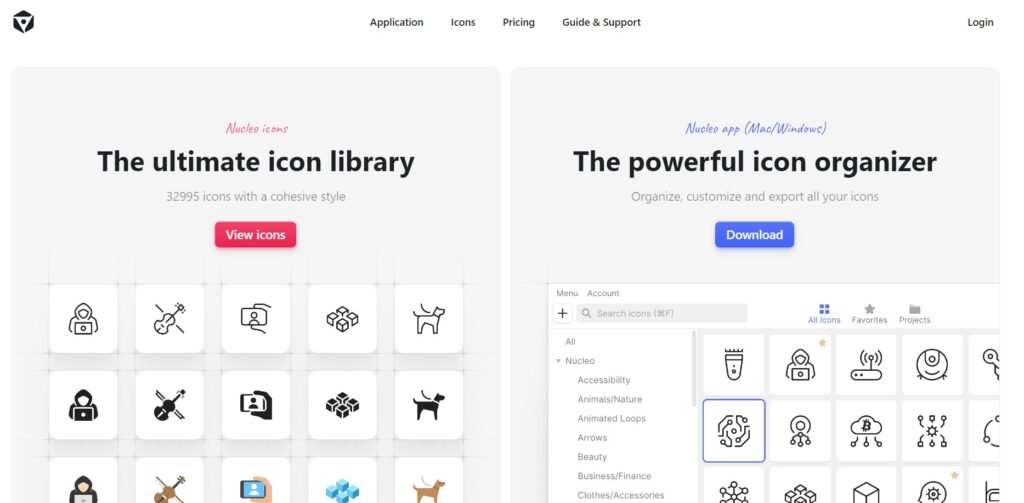
And how can we miss out on Nucleo when talking about the best Font Awesome alternatives? The full library now spans 43,450 icons, browsable through Nucleo’s desktop and web apps.
It offers six grid sizes: 12, 16, 24, 32, 48, and 64 pixels, and four icon styles: outline, fill, outline duotone, and fill duotone. New icons ship daily, bundled monthly for app users.
The apps let you collect, customize, and export icons, and organize Nucleo icons alongside other sets. That helps if you already run a second library.
Nucleo also publishes a free, open-source subset that covers social media icons, flags, credit card icons, and custom cursors.
License: Free open-source subset, plus paid plans for the full library
COREUI Icons

CoreUI Icons are another great hit among the design community. The free set holds more than 1,500 icons in SVG, PNG, JavaScript, and Webfont formats. They are beautifully crafted symbols for common items and actions, usable in web and mobile products.
The set ships as three separate stylesheets: free, brand, and flag, so you load only what you need. That brand stylesheet matters here, since it covers the social and payment logos that Lucide and Material Symbols leave out. All icons use the cil- class prefix.
CoreUI Icons Pro adds 2,000+ icons plus Solid, Duo-Tone, and Linear styles.
Note that the free icons use CC BY 4.0, the same attribution requirement as Font Awesome. If avoiding attribution is why you are switching, Line Awesome or Feather will suit you better.
License: CC BY 4.0 for SVG and JS files, SIL OFL for font files, MIT for everything else
Line Awesome
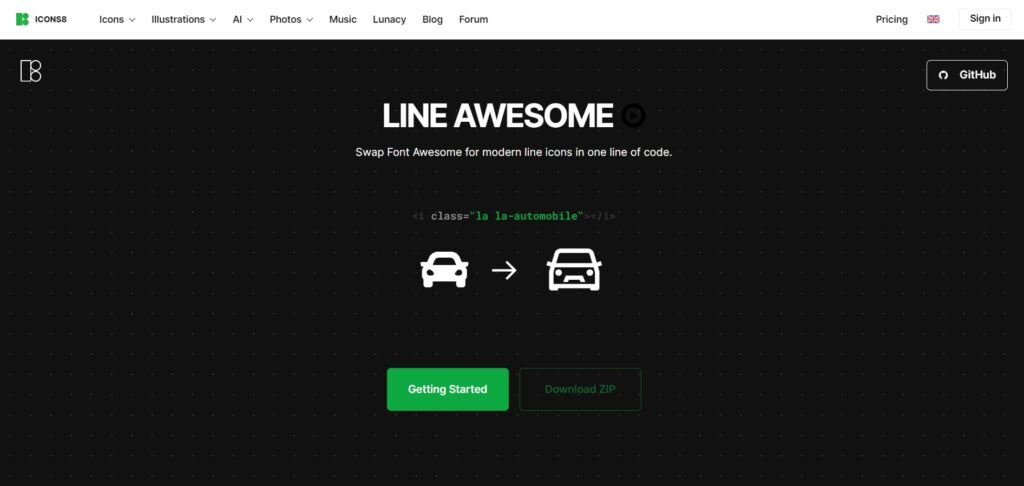
Last but definitely not least is Line Awesome, because we saved the best for last. This is the only pack on this list built specifically to replace Font Awesome, and for existing projects, it is the fastest switch available.
Line Awesome holds roughly 1,380 flat line icons covering the full Font Awesome 5 icon set. Icons come in three styles with matching class prefixes: regular (lar), solid (las), and brand (lab). Because the class names mirror Font Awesome’s own, you swap the stylesheet link, and your existing markup keeps working.
The icons are based on the Icons8 Windows 10 style and are optimized for 32px rather than Font Awesome’s 14px. Check your small sizes before shipping, and adjust to 16px with CSS if any icon looks crowded.
License: MIT. Free for personal and commercial use, no attribution required
Font Awesome’s License and Why People Look for Alternatives
Font Awesome Free is not unconditionally free. The icons are licensed under CC BY 4.0, which requires attribution. The code is MIT-licensed, and the fonts are SIL OFL 1.1.
In practice, attribution means keeping the comment header in the CSS file. Strip that header out, and you fall outside the license terms.
Several packs on this list carry no such condition:
| Pack | License | Attribution required |
|---|---|---|
| Lineicons (free tier) | Free license | No |
| Line Awesome | MIT | No |
| Feather Icons | MIT | No |
| Lucide | ISC | No |
| Material Design Icons | Apache 2.0 | No |
| Unicons (open-source set) | Apache 2.0 | No |
CoreUI’s free icons use CC BY 4.0, the same requirement as Font Awesome, so attribution applies there too. Marketplace platforms work differently again: The Noun Project and Flaticon require attribution on free downloads, or payment to remove it.
Check the provider’s license page before shipping commercial work.
Frequently Asked Questions
What is the latest version of Font Awesome?
Font Awesome 7 is the current major release, with 7.3.1 as the latest patch. Version 6 receives only critical bug fixes, and versions 5 and earlier are end-of-life.
Is Font Awesome really free?
Font Awesome Free is free to use, including commercially, but the icons carry a CC BY 4.0 license that requires attribution. Most projects satisfy this by leaving the comment header in the CSS file. The Thin, Light, Sharp, and Duotone styles require a Pro subscription, which costs about $99 a year.
What is the closest drop-in replacement for Font Awesome?
Line Awesome. It covers the full Font Awesome 5 icon set with matching class names (lar, las, lab), so you swap the stylesheet link and your existing markup keeps working. It is MIT licensed with no attribution requirement.
Are there free alternatives to Font Awesome Pro?
Yes. Phosphor Icons ships six weights free, covering what Thin, Light, and Duotone provide in Pro. Material Symbols is a variable font whose weight adjusts from 100 to 700 through CSS. Lucide lets you set stroke width across all 1,600+ icons. No single pack matches every Pro feature, so the right choice depends on which style you were paying for.
Which Font Awesome alternative offers the most icon styles?
Lineicons offers 10 styles, including outlined, rounded, sharp, duo-tone, solid, and bulk, across 27,988+ icons with 4,000+ free. Nucleo offers four styles across 43,450 icons, though most sit behind a paid plan. Phosphor offers six weights. Font Awesome Free offers three styles, with four more behind Pro.
Which alternatives include social media and brand icons?
Lineicons, CoreUI, and Line Awesome ship brand and social icons together. Lucide removed its brand icons, and Material Symbols excludes third-party logos for legal reasons, so both need a second source, such as Simple Icons.
Which Font Awesome alternatives need no attribution?
Line Awesome (MIT), Feather Icons (MIT), Lucide (ISC), Material Design Icons (Apache 2.0), Unicons (Apache 2.0), and the Lineicons free tier all permit commercial use without attribution. Note that CoreUI’s free icons use CC BY 4.0, the same attribution terms as Font Awesome. Marketplace platforms, including The Noun Project and Flaticon, require attribution on free downloads unless you pay.
Should I use an icon font or SVG icons?
Icon fonts install fastest and suit projects using many icons, since one request loads the whole set. SVG ships only what you import, which matters in React, Vue, and Svelte builds. Our guide on using SVG on the web covers the trade-offs in full.
How many icons does a typical project need?
Most websites and apps use between 50 and 150 unique icons at launch, then add more as features grow. Category coverage matters more than the headline number, so check the library covers your specific domain, whether that is e-commerce, dashboards, or media controls. Libraries spanning 60+ categories reduce the likelihood you will need a second set later.
Final Words
These 12 Font Awesome alternatives cover very different needs, so the right choice depends on what pushed you away from Font Awesome in the first place.
Switching an existing project? Line Awesome takes one line and keeps your class names.
Avoiding the attribution requirement? Feather, Lucide, Material Design Icons, and Lineicons carry none.
Replacing Pro styles without paying? Phosphor and Material Symbols are free for the weight range.
Need brand and social icons in the same set? Lineicons, CoreUI, and Line Awesome include them.
Want one library across every category and style? Lineicons spans 27,988+ icons in 10 styles.
Need volume above all? Nucleo, Streamline, and the marketplace platforms hold tens of thousands to millions, though most require payment beyond the free tier.
Whichever you pick, stay with it. Mixing icon sets in a single interface is visible to users, even when they cannot say why something looks off.
Visit each site to check current pricing and license terms before you commit, since both change more often than icon counts do.
Looking for more free design assets? See our roundups of the best free icon font packs, free SVG images, and open source icon libraries.
Recommended
12 Aug 2026
Designers, are you tired of searching for an open-source icon library that perfectly fits your project? Or you may need icons with speci
10 Aug 2026
Icons are arguably among the most crucial elements of a graphical user interface. They communicate a whole idea through a single image.